

The Website Grader is a powerful free tool that analyzes your website and provides a comprehensive score based on performance, SEO, security, and mobile-friendliness. Whether you’re auditing your own site or researching competitors, the Website Grader gives you actionable insights to improve your online presence.
How to Use the Website Grader
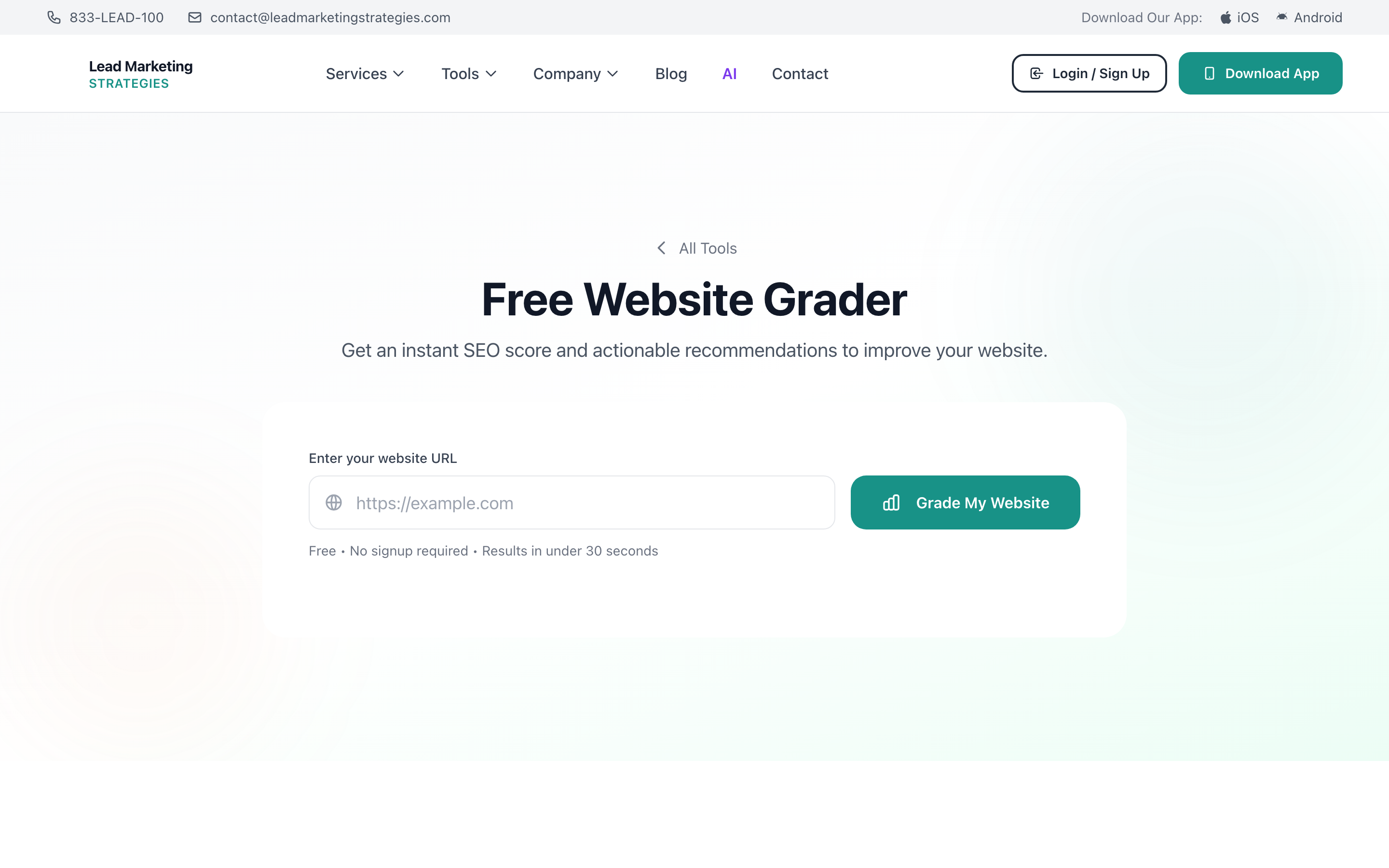
Go to leadmarketingstrategies.com/tools/website-grader/ or select “Website Grader” from the Free Tools page.
Type or paste the full website URL you want to analyze (e.g., https://example.com). You can analyze any public website – your own, a competitor’s, or a site you’re considering as a reference.
Press the analyze button to start the scan. The tool will examine multiple aspects of the website.
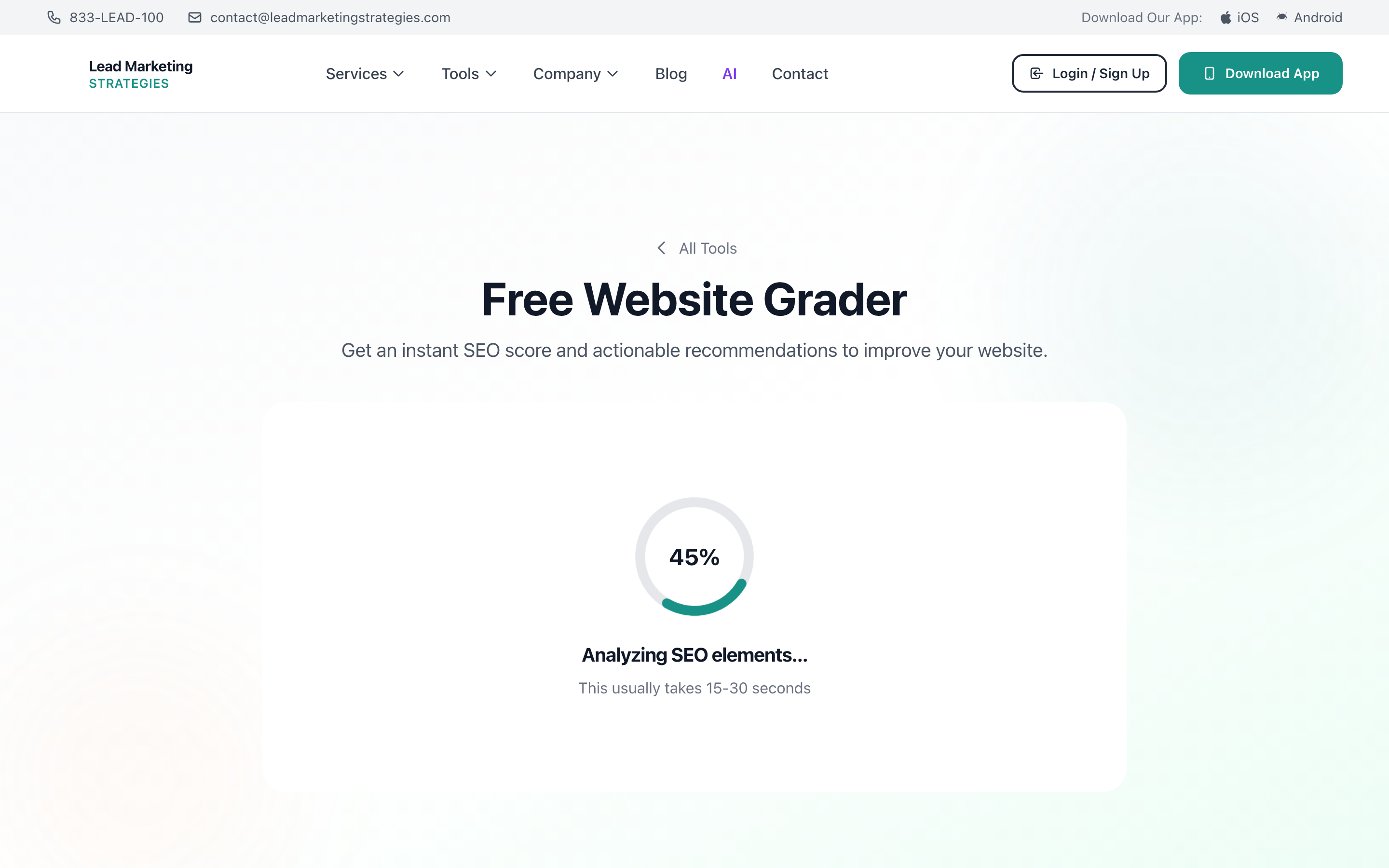
The scan typically takes 10-30 seconds depending on the website’s complexity. You’ll see a loading indicator while the analysis runs.
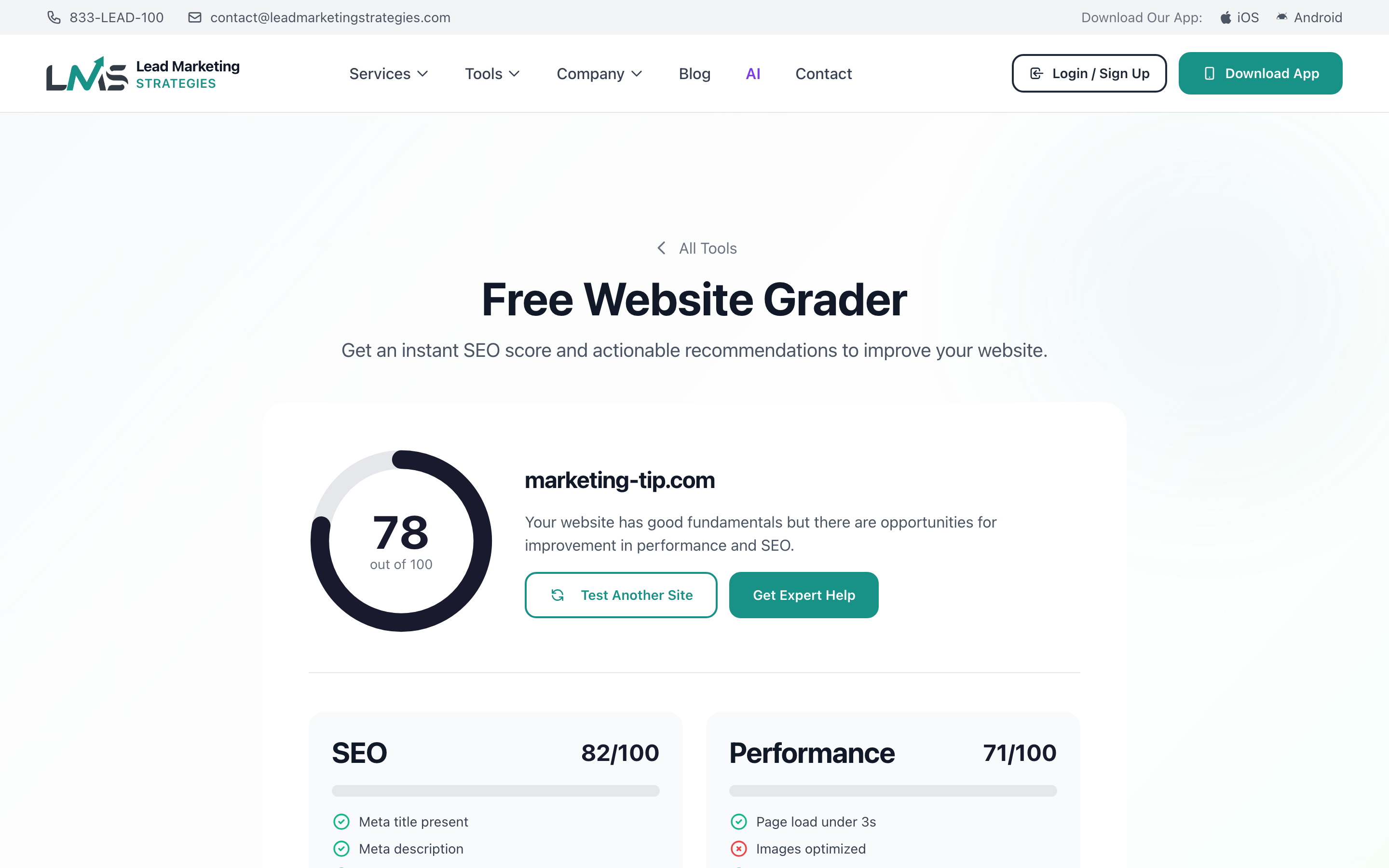
Once complete, you’ll see a detailed breakdown of the website’s score across multiple categories.
What the Website Grader Analyzes
The Website Grader evaluates your site across several key areas:
Performance
- Page load speed – How quickly your pages load for visitors
- Time to first byte – Server response time
- Resource optimization – Image compression, minified code, caching
- Core Web Vitals – Google’s key performance metrics
SEO (Search Engine Optimization)
- Meta tags – Title tags, meta descriptions, and their optimization
- Heading structure – Proper use of H1, H2, H3 tags
- Image optimization – Alt text and file names
- URL structure – Clean, descriptive URLs
- Mobile-friendliness – Responsive design check
Security
- SSL certificate – HTTPS encryption status
- Security headers – Protection against common vulnerabilities
- Mixed content – Insecure resources on secure pages
Accessibility
- Color contrast – Text readability
- Alt text – Image descriptions for screen readers
- Form labels – Properly labeled form fields
Understanding Your Score
The Website Grader provides an overall letter grade (A-F) along with individual category scores:
- A (90-100) – Excellent! Your website performs exceptionally well
- B (80-89) – Good performance with minor improvements possible
- C (70-79) – Average; several areas need attention
- D (60-69) – Below average; significant improvements needed
- F (Below 60) – Poor; critical issues require immediate attention
Focus on the lowest-scoring categories first. Improving these areas will have the biggest impact on your overall score and user experience.
Common Issues and How to Fix Them
Slow Page Speed
- Optimize and compress images
- Enable browser caching
- Minify CSS and JavaScript files
- Use a content delivery network (CDN)
Missing Meta Tags
- Add unique title tags (50-60 characters) to every page
- Write compelling meta descriptions (150-160 characters)
- Include relevant keywords naturally
No SSL Certificate
- Install an SSL certificate (many hosts offer free ones)
- Redirect all HTTP traffic to HTTPS
- Update internal links to use HTTPS
Poor Mobile Experience
- Use responsive design that adapts to screen size
- Ensure buttons and links are tap-friendly
- Avoid horizontal scrolling on mobile devices
Some website changes require technical expertise. If you’re unsure how to implement improvements, our team can help. Contact us for a professional website audit and optimization services.
Best Practices for Using the Website Grader
- Run regular checks – Analyze your site monthly or after major updates
- Track your progress – Save or screenshot results to compare over time
- Analyze competitors – See how your site stacks up against others in your industry
- Prioritize fixes – Address critical issues (security, major performance) first
- Retest after changes – Verify improvements by running the grader again
Using Website Grader in the Mobile App
The Website Grader is also available in our mobile app:
- Open the Lead Marketing Strategies app
- Navigate to Free Tools
- Select Website Grader
- Enter the URL and tap “Analyze”
- View results and share directly from the app
Want a more detailed analysis with personalized recommendations? Our team offers comprehensive website audits with actionable improvement plans. Start a project to get expert help improving your website.
