

Your profile contains your account information and settings. Here’s how to view and understand your profile details.
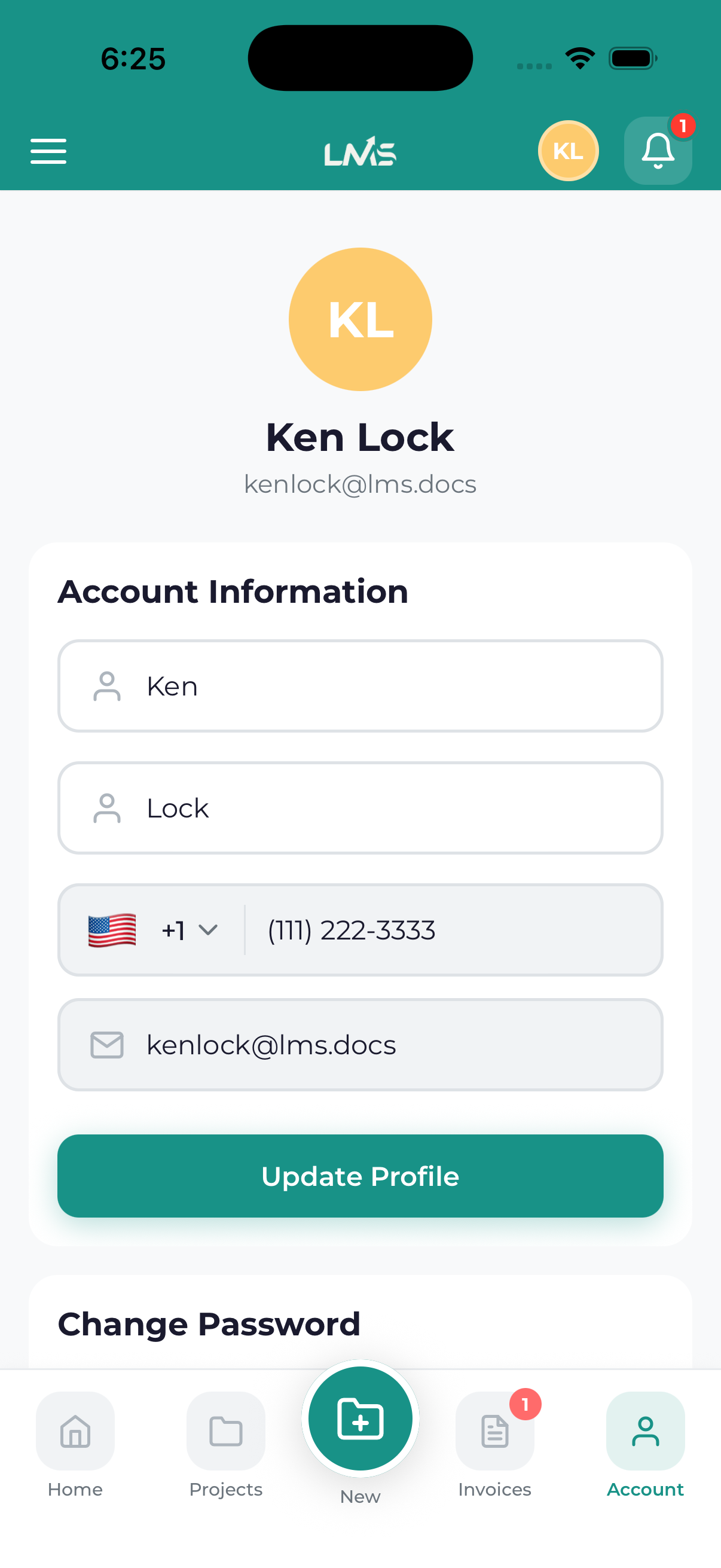
Accessing Your Profile
- Open the navigation drawer (menu icon)
- Tap your name/photo at the top, or tap Account
Profile Information
Your profile displays:
Personal Details
- Name – Your full name as registered
- Email – Your login email address
- Phone – Contact phone number (if provided)
- Profile Photo – Your avatar/picture
Account Status
- Email Verified – Whether your email is verified
- Account Created – When you joined
- Last Active – Your recent activity
Quick Stats
- Number of projects
- Total invoices
- Meetings scheduled
Profile Sections
Edit Profile
Update your personal information.
Password
Change your account password.
Notification Preferences
Control which notifications you receive.
Payment Methods
Manage saved payment options.
Settings
App preferences and configuration.
