

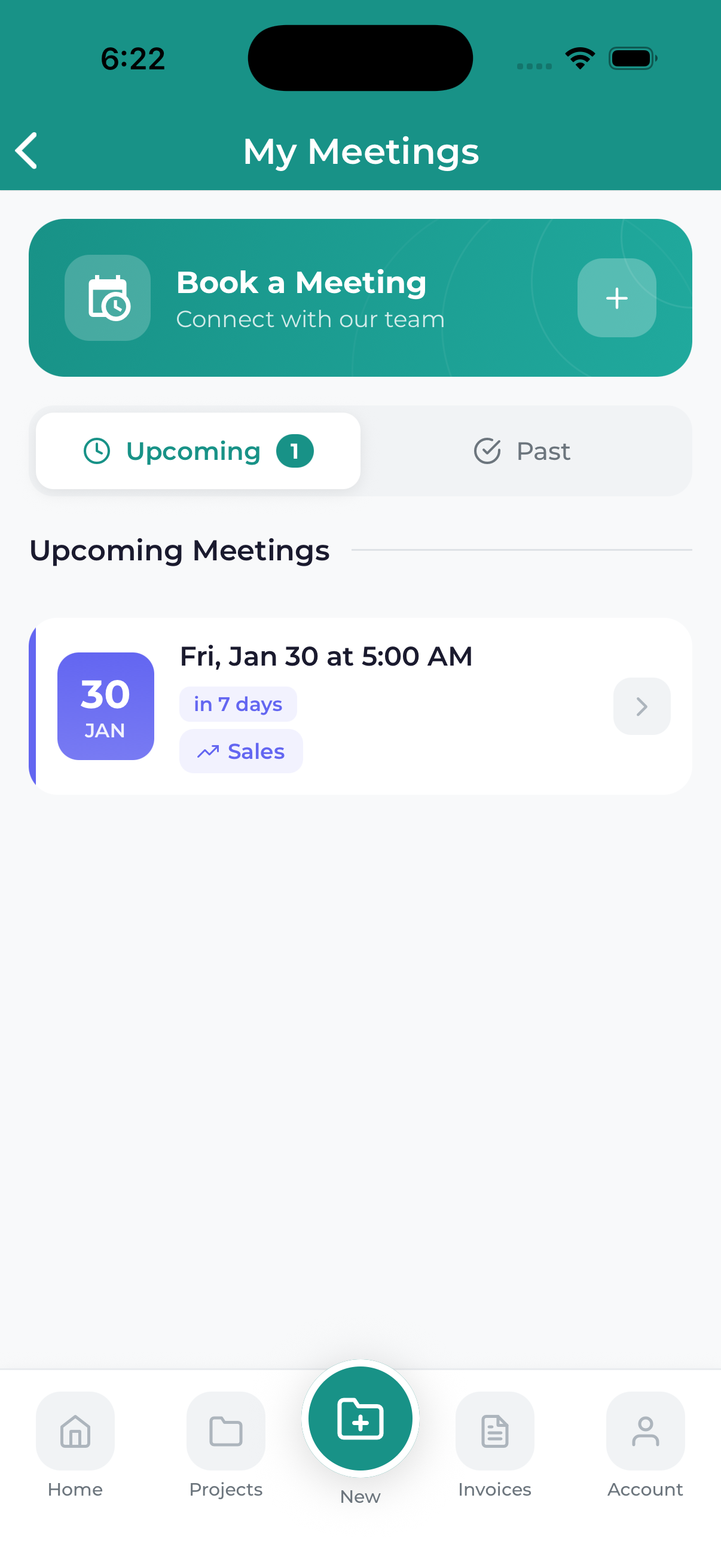
The Meetings screen shows all your scheduled appointments with our team. View upcoming meetings, join video calls, and access meeting details all from one place.
Accessing Your Meetings
To view your meetings:
- Bottom Navigation – Tap the Meetings tab
- Dashboard – Tap an upcoming meeting card
- Side Menu – Open drawer and tap Meetings
Meeting List Views
Upcoming Meetings
Shows meetings scheduled for the future, sorted by date (soonest first).
Past Meetings
Historical meetings you’ve already attended.
Meeting Card Information
Each meeting card displays:
- Meeting Title – Purpose of the meeting
- Date & Time – When the meeting is scheduled
- Duration – Expected length
- Meeting Type – Consultation, project review, etc.
- Status Indicator – Confirmed, pending, etc.
Meeting Actions
Join Meeting
When it’s time for your meeting, tap the Join button to connect to the video call.
View Details
Tap the meeting card to see full details including agenda, participants, and notes.
Add to Calendar
Add the meeting to your device’s calendar with a single tap.
Meeting Reminders
You’ll receive reminders before your meetings:
- 24 hours before
- 1 hour before
- 15 minutes before
Enable push notifications to receive these reminders.
Add meetings to your calendar app to ensure they appear alongside your other appointments and you get native calendar reminders.
