

The Website Grader analyzes any website and provides scores for performance, SEO, mobile-friendliness, and security. Use it to understand your website’s strengths and areas for improvement.
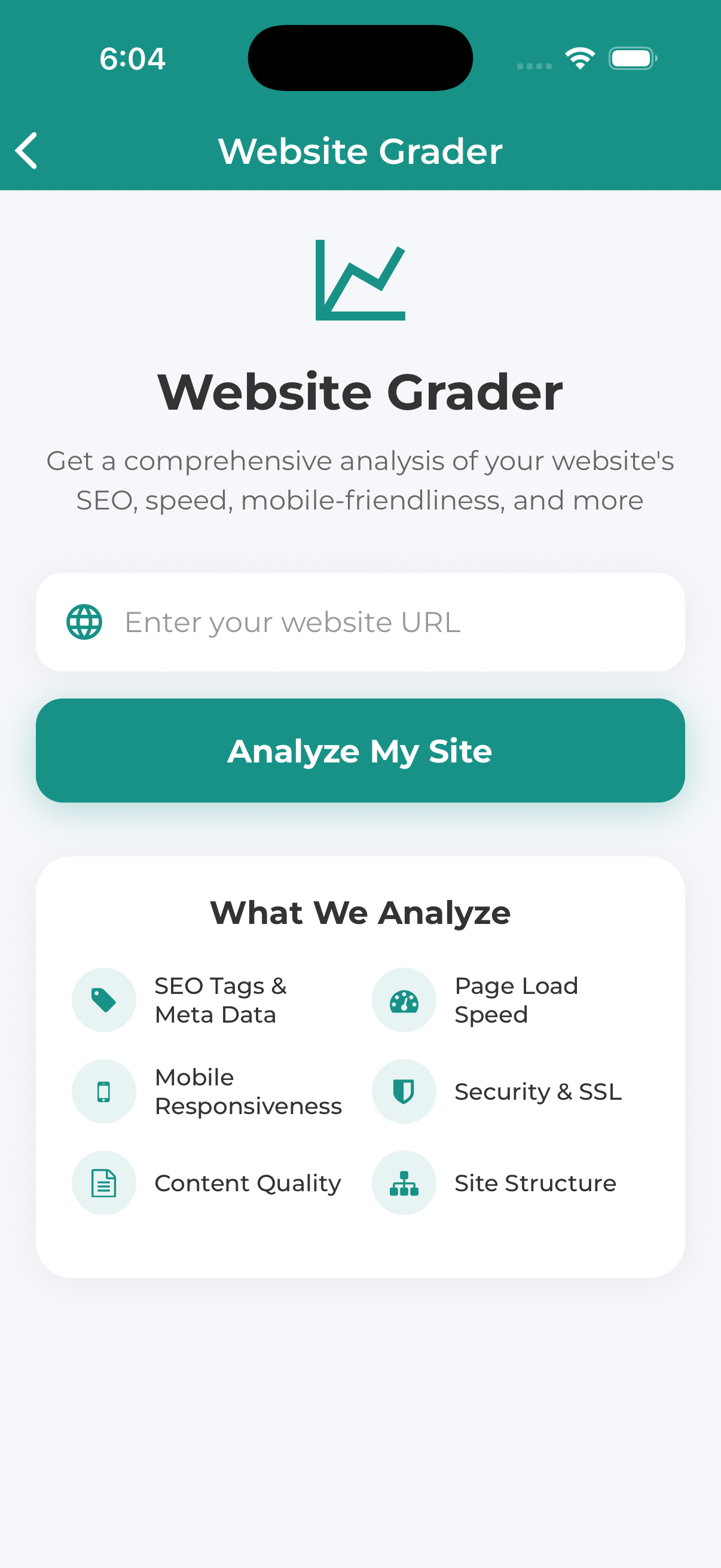
How to Use the Website Grader
Navigate to Free Tools and select Website Grader.
Type or paste the website address you want to analyze. You can enter:
- Full URL: https://www.example.com
- Domain only: example.com
- With or without www
Press the Analyze or Grade Website button to start the analysis.
The analysis typically takes 15-30 seconds. A progress indicator shows the analysis status.
Once complete, you’ll see your overall grade and detailed category scores.
What Gets Analyzed
Performance
How fast your website loads and responds:
- Page load time
- Time to first byte
- Resource optimization
- Server response time
SEO (Search Engine Optimization)
How well optimized for search engines:
- Meta titles and descriptions
- Heading structure
- Image alt text
- URL structure
- Sitemap presence
Mobile-Friendliness
How well the site works on mobile devices:
- Responsive design
- Tap target sizes
- Viewport configuration
- Mobile page speed
Security
Website security measures:
- HTTPS/SSL certificate
- Mixed content issues
- Security headers
The Website Grader analyzes the homepage and may not catch issues on other pages. For a comprehensive audit, consider our professional website audit services.
