

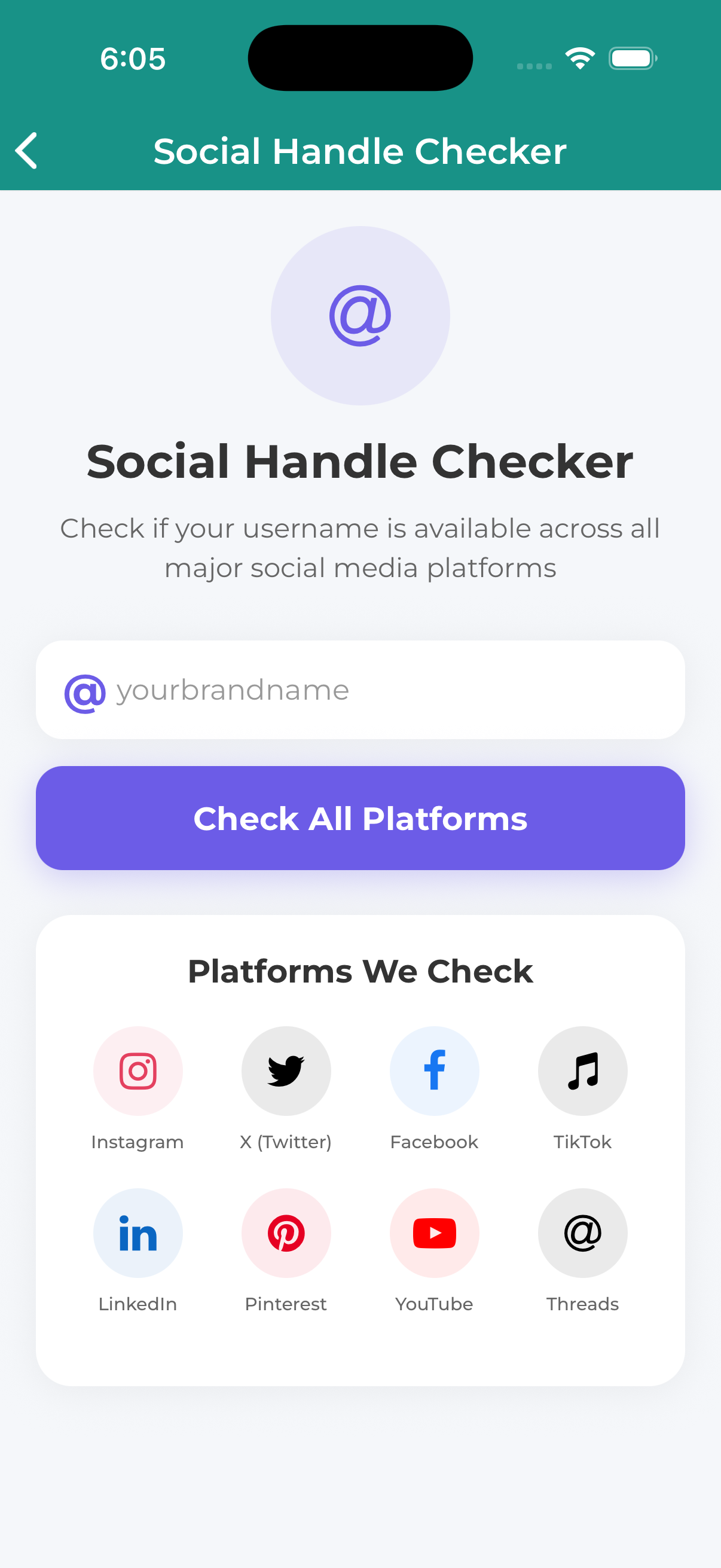
The Social Handle Checker lets you see if a username is available across all major social media platforms at once. Perfect for new businesses wanting consistent branding.
How to Check Social Handle Availability
Navigate to Free Tools and select Social Handle Checker.
Type the username you want to check (e.g., “mybusiness” or “john_smith”).
Press the search button to check across all platforms.
See which platforms have the username available (green) or taken (red).
Platforms Checked
- Facebook – Pages and profiles
- Instagram – Username availability
- Twitter (X) – Handle availability
- LinkedIn – Company pages
- YouTube – Channel names
- TikTok – Username availability
- Pinterest – Username availability
- Snapchat – Username availability
Understanding Results
Available (Green)
The username appears to be available on this platform. Create an account to secure it.
Taken (Red)
The username is already in use. You’ll need to try variations.
Unable to Check (Gray)
We couldn’t verify availability. Check manually on the platform.
Tips for Usernames
- Be consistent – Use the same name everywhere if possible
- Keep it simple – Easy to spell and remember
- Avoid numbers if possible – Unless part of your brand
- Check early – Secure handles before launching your brand
Using the same username across all platforms helps customers find you and builds brand recognition. If your preferred name isn’t available everywhere, consider variations that are still recognizable.
