

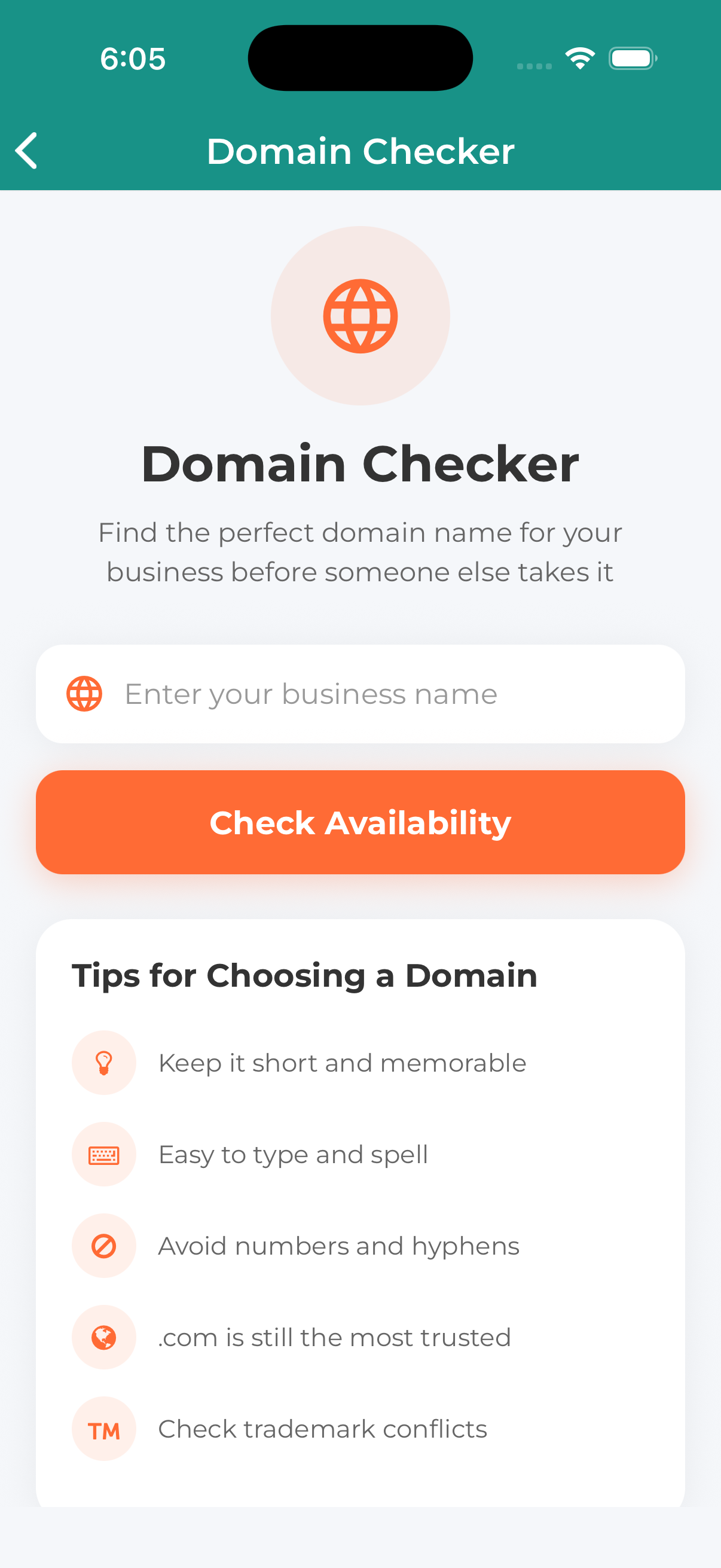
The Domain Name Checker helps you find the perfect domain for your business by checking availability across multiple extensions (.com, .net, .org, and more).
How to Check Domain Availability
Navigate to Free Tools and select Domain Name Checker.
Type the domain name you want to check (without the extension). For example: “mybusiness”
Press the search button to check the domain across all extensions.
See which extensions are available (green) or taken (red).
Understanding Results
Available Domains (Green)
These domains can be registered. We recommend securing them quickly as domain availability changes constantly.
Taken Domains (Red)
These domains are already registered by someone else. You’ll need to:
- Try a different name
- Use a different extension
- Add words (e.g., “getmybusiness.com”)
Extensions Checked
We check popular extensions including:
- .com – Most popular, recommended for business
- .net – Popular alternative
- .org – Often used for organizations
- .co – Short alternative
- .io – Popular with tech companies
- .biz – Business focused
- .info – Information sites
Tips for Choosing a Domain
- Keep it short – Easier to remember and type
- Make it memorable – Simple spelling helps
- Avoid hyphens – They’re often forgotten
- Include keywords – If possible and natural
- Choose .com first – It’s what people expect
Found an available domain you like? Register it soon! Good domains get taken quickly. Need help with registration? Contact us and we can help.
