

Understanding your Website Grader results helps you prioritize improvements. This guide explains how to interpret your scores and what actions to take.
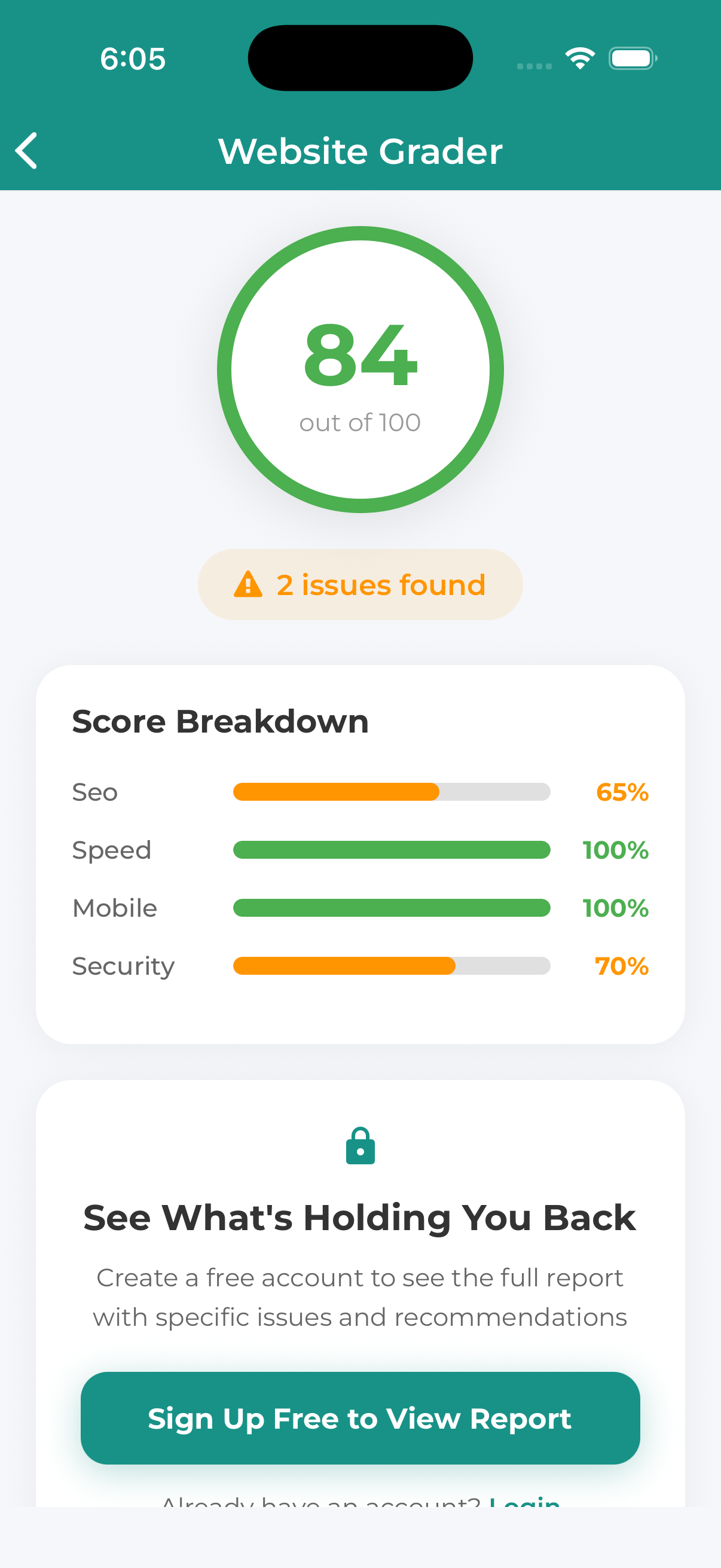
Overall Score
Your overall score (0-100) is a weighted average of all categories:
| Score Range | Grade | Meaning |
|---|---|---|
| 90-100 | A | Excellent – Minor improvements possible |
| 80-89 | B | Good – Some areas need attention |
| 70-79 | C | Average – Multiple improvements needed |
| 60-69 | D | Below Average – Significant issues |
| Below 60 | F | Poor – Major problems to address |
Category Scores
Performance Score
How to improve:
- Optimize and compress images
- Enable browser caching
- Minimize CSS/JavaScript files
- Use a Content Delivery Network (CDN)
- Upgrade hosting if needed
SEO Score
How to improve:
- Add unique meta titles and descriptions
- Use proper heading hierarchy (H1, H2, H3)
- Add alt text to all images
- Create an XML sitemap
- Fix broken links
Mobile Score
How to improve:
- Implement responsive design
- Ensure touch targets are large enough
- Don’t use Flash or unsupported tech
- Test on actual mobile devices
Security Score
How to improve:
- Install an SSL certificate (HTTPS)
- Fix mixed content warnings
- Add security headers
- Keep software updated
Recommendations Section
Below your scores, you’ll find specific recommendations:
- Critical Issues – Fix these first (red indicators)
- Warnings – Should be addressed (yellow indicators)
- Passed – No action needed (green indicators)
Taking Action
Need Help Improving?
Tap the “Get Help” or “Contact Us” button on your results page to discuss how we can help improve your website’s performance, SEO, and more.
Saving and Sharing Results
- Save Results – Tap “Save” to keep results in your account
- Share Report – Send the report via email or share link
- Download PDF – Get a printable version
