

The invoice details screen shows you complete information about any invoice. Here you can see exactly what you’re being billed for, payment terms, and make payments.
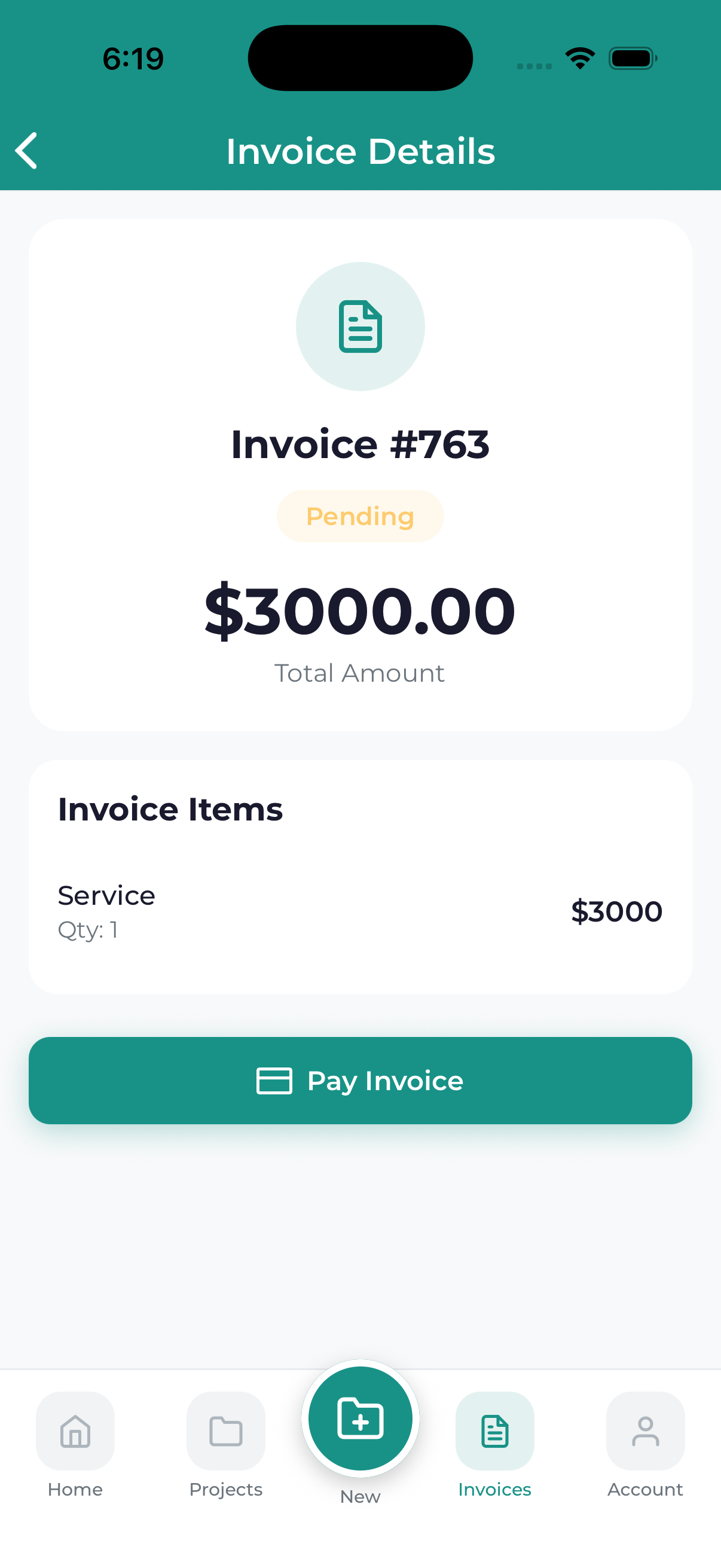
Invoice Header
At the top of every invoice you’ll find:
- Invoice Number – Your unique reference number
- Status Badge – Current payment status
- Issue Date – When the invoice was created
- Due Date – When payment is expected
Bill To Section
Your billing information:
- Your name or company name
- Billing address
- Email address
Line Items
The detailed breakdown of charges:
| Column | Description |
|---|---|
| Description | What the charge is for |
| Quantity | Number of units or hours |
| Rate | Price per unit |
| Amount | Line total (quantity x rate) |
Totals Section
- Subtotal – Sum of all line items
- Discount – Any discounts applied (if applicable)
- Tax – Applicable taxes
- Total Due – Final amount to pay
- Amount Paid – What’s already been paid
- Balance Due – Remaining amount owed
Payment Terms
Information about payment expectations:
- Due Date – When full payment is expected
- Payment Methods – Accepted payment options
- Late Fee Policy – Any fees for late payment (if applicable)
Notes Section
Additional information from our team:
- Project references
- Special instructions
- Thank you messages
Actions
From the invoice details screen, you can:
- Pay Now – Make a payment (for unpaid invoices)
- Download PDF – Save a copy of the invoice
- Share – Send the invoice to someone else
- Contact Us – Ask questions about the invoice
Questions About an Invoice?
If anything on your invoice is unclear or seems incorrect, tap the contact button or message us through the associated project chat. We’re happy to explain or correct any issues.
