

The Social Handle Checker helps you find out if your desired username is available across multiple social media platforms at once. This tool is essential for maintaining consistent branding – when your business has the same username everywhere, customers can find and recognize you more easily.
How to Use the Social Handle Checker
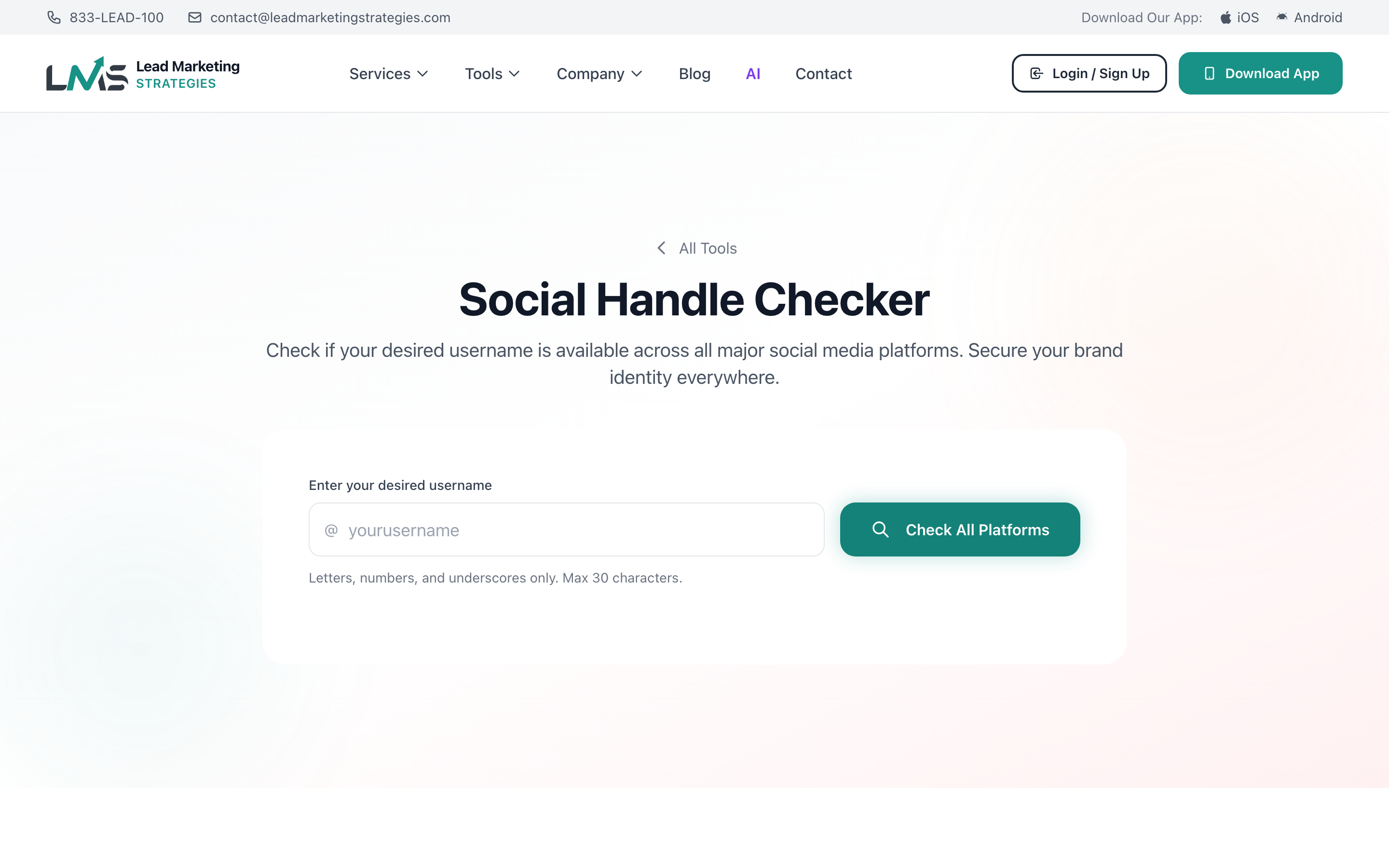
Go to leadmarketingstrategies.com/tools/social-checker/ or select “Social Handle Checker” from the Free Tools page.
Type the username you want to check. Don’t include the @ symbol – just enter the username itself (e.g., “mybusiness” not “@mybusiness”).
Press the check button to search all supported platforms simultaneously.
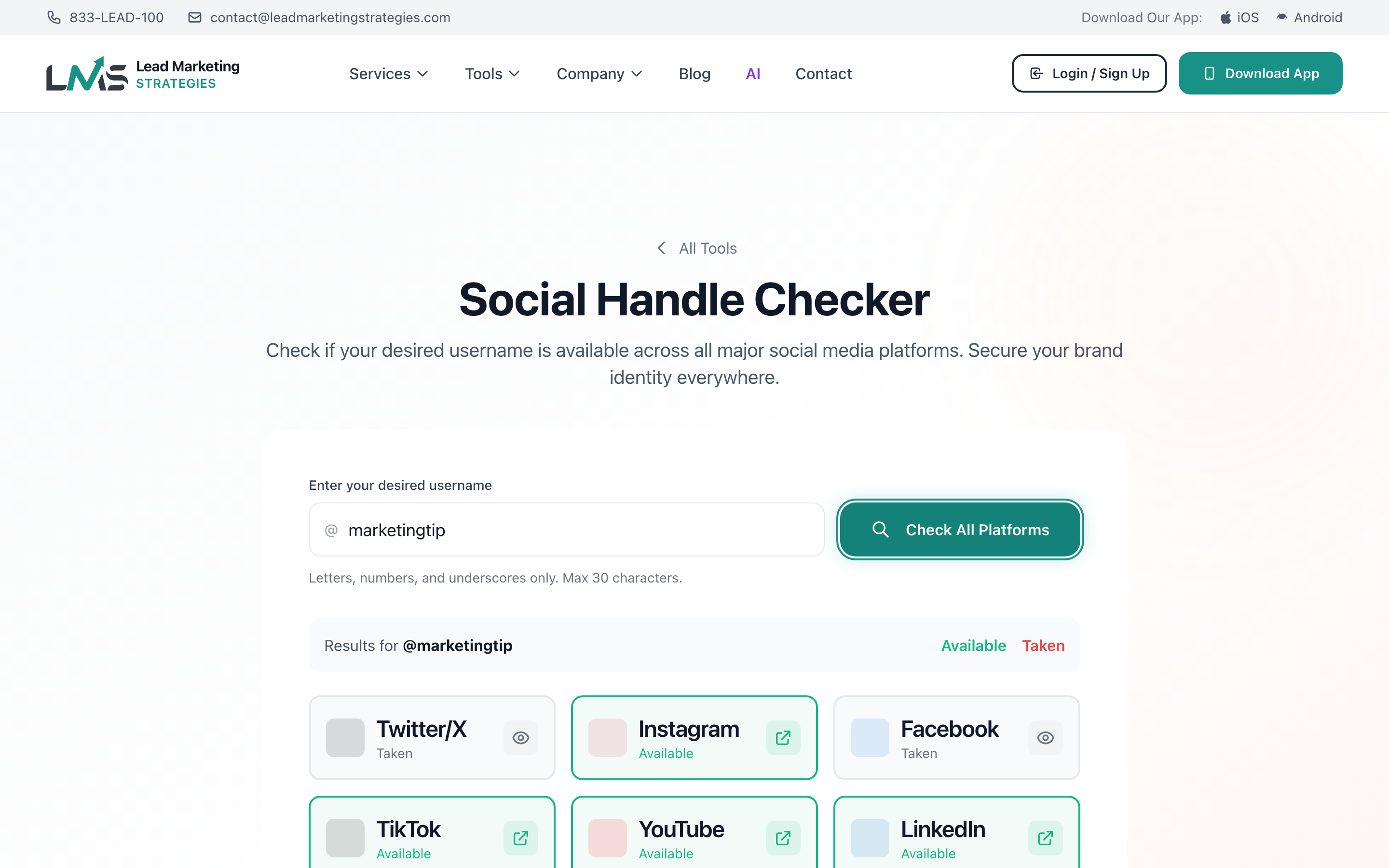
You’ll see a list of all platforms with clear indicators showing whether the username is available or taken on each one.
For platforms where your username is available, click the direct link to go to that platform and register your username immediately.
Understanding Your Results
The results page shows each social platform with one of these statuses:
- Available (Green) – The username is not taken and you can register it
- Taken (Red) – Someone else has already claimed this username
- Unable to Check (Gray) – The platform couldn’t be checked (try again later)
When you find a username available on all the platforms you need, claim them immediately. Usernames can be taken at any time, and there’s no way to reserve them without actually creating accounts.
Supported Social Platforms
The Social Handle Checker scans all major social media platforms:
Major Social Networks
- Instagram – Photo and video sharing, essential for visual brands
- Twitter/X – Real-time updates, news, customer service
- Facebook – Business pages and community building
- LinkedIn – Professional networking, B2B essential
- TikTok – Short-form video, reaching younger audiences
Video Platforms
- YouTube – Video content, tutorials, brand stories
- Twitch – Live streaming, gaming, and creator content
Visual Platforms
- Pinterest – Inspiration boards, great for retail and lifestyle brands
- Snapchat – Ephemeral content, younger demographics
Other Platforms
- Reddit – Community discussions, niche audiences
- Tumblr – Blogging and creative communities
- Medium – Long-form content and thought leadership
What to Do If a Handle Is Taken
Try Variations
If “mybusiness” is taken, try:
- mybusinessco – Add “co” for company
- mybusinesshq – Add “hq” for headquarters
- getmybusiness – Add action words
- mybusinessofficial – Indicate authenticity
- mybusiness_us – Add location (check platform rules on underscores)
Check If It’s Active
Sometimes taken usernames belong to inactive accounts. Visit the profile to see:
- When they last posted
- If it’s a personal or business account
- If the account seems abandoned
Platform Username Policies
Some platforms release inactive usernames or have trademark claim processes:
- Twitter/X has a trademark policy for claiming usernames
- Instagram may release inactive accounts
- Most platforms have processes for trademark holders
Never pay random people claiming to sell usernames – this often violates platform terms of service and can result in the account being banned. Only use official platform processes for username disputes.
Username Best Practices
Keep It Consistent
Use the exact same username across all platforms when possible. This makes it easier for customers to find you and builds brand recognition.
Keep It Short
Shorter usernames are:
- Easier to remember
- Easier to type
- More likely to be available
- Better for mentions and tags
Avoid Numbers and Special Characters
Usernames like “business123” or “my_business_” look unprofessional and are harder to remember. If you must use them, be consistent across all platforms.
Match Your Domain
Ideally, your social handles should match your domain name. If your website is mybusiness.com, try to get @mybusiness on all platforms.
Using in the Mobile App
Check social handles on the go:
- Open the Lead Marketing Strategies app
- Navigate to Free Tools
- Select “Social Handle Checker”
- Enter your desired username
- Tap “Check” to see results
- Tap any available platform to claim it immediately
After Finding Available Handles
Create accounts on all platforms where your username is available, even if you don’t plan to use them right away. This prevents others from taking them.
Add your logo, bio, and website link to each profile. Even placeholder accounts should look professional.
Enable two-factor authentication on all accounts and use strong, unique passwords.
Focus your active efforts on 2-3 platforms where your audience spends time. You can keep others as placeholders.
Building a consistent brand presence across social media takes strategy and effort. Our team can help with social media management, content creation, and brand development. Start a project with Lead Marketing Strategies.
