

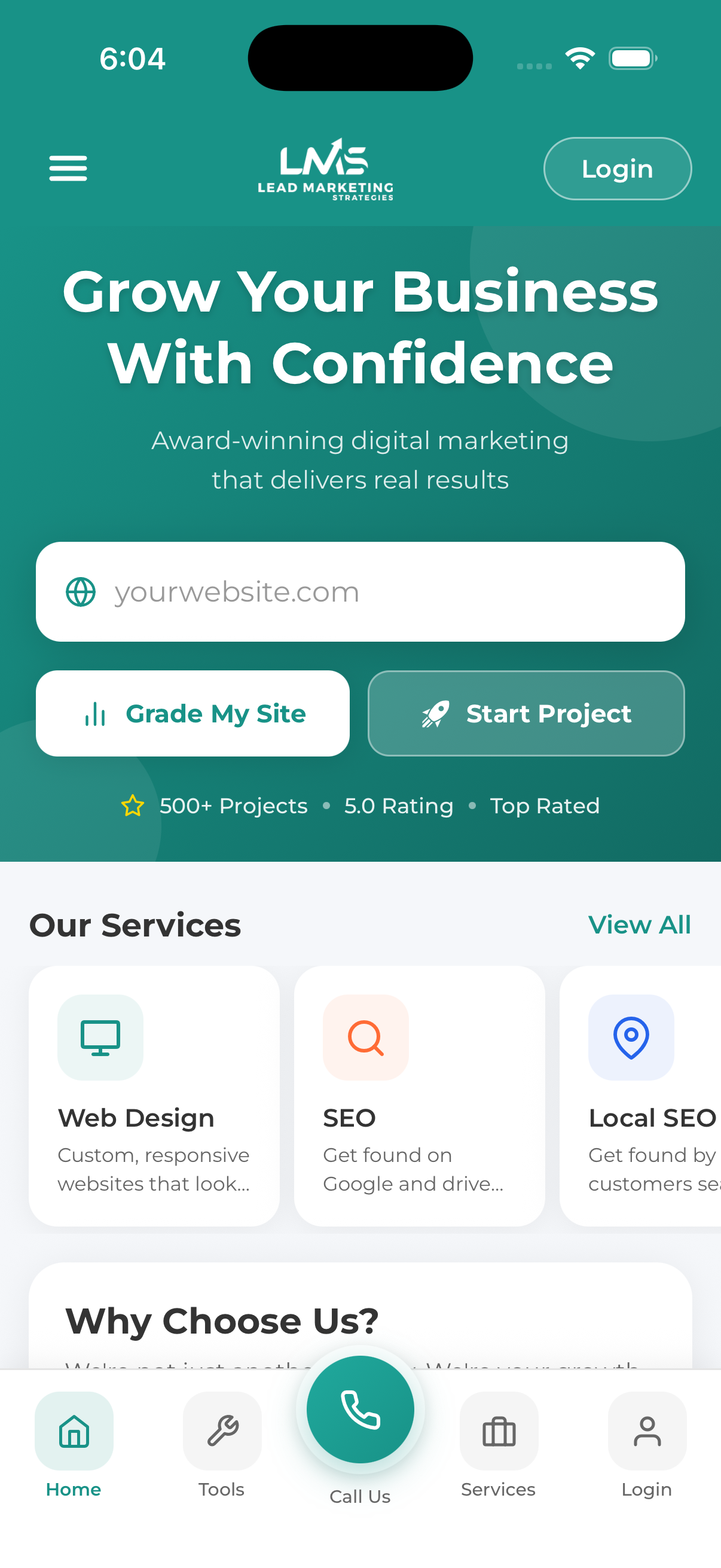
The Lead Marketing Strategies mobile app gives you complete control over your marketing projects from anywhere. Available for both iOS and Android, the app is free to download and use.
Download for iPhone & iPad (iOS)
Requires iOS 15.0 or later. Compatible with iPhone, iPad, and Mac with Apple silicon.
Find and tap the App Store icon on your iPhone or iPad home screen. The App Store has a blue icon with a white “A” made of drawing tools.
Tap the Search tab at the bottom of the screen (magnifying glass icon). In the search bar at the top, type “Lead Marketing Strategies” and tap Search on your keyboard.
Look for our app with the Lead Marketing Strategies logo. Make sure the developer name shows “Lead Marketing Strategies LLC” to ensure you’re downloading the official app.
Tap the GET button next to the app. You may be asked to authenticate with Face ID, Touch ID, or your Apple ID password. The app will begin downloading – you’ll see a progress circle.
Once the download completes, tap OPEN or find the app on your home screen. The app icon will appear among your other apps.
Direct Download Link:
Download for Android
Requires Android 8.0 (Oreo) or later. Works on most Android phones and tablets.
Find and tap the Play Store app on your Android device. It has a colorful triangle icon (play button).
Tap the search bar at the top of the screen and type “Lead Marketing Strategies”. Tap the search icon or press Enter on your keyboard.
Find our app in the search results and tap on it to open the app details page. Verify the developer is “Lead Marketing Strategies LLC”.
Tap the green Install button. The app will download and install automatically. You may need to accept app permissions.
Tap Open when the installation completes, or find the app in your app drawer.
Direct Download Link:
After Installation
Once you have the app installed, you’ll see the welcome screen with these options:
- Log In – If you already have an account (from the website or mobile app)
- Sign Up – Create a new account to access all features
- Continue as Guest – Use free tools without creating an account
App Permissions
The app may request these permissions:
| Permission | Why We Need It | Required? |
|---|---|---|
| Notifications | To send you project updates, meeting reminders, and messages | Optional but recommended |
| Camera | To upload photos for your projects | Optional |
| Photo Library | To attach images from your device to projects | Optional |
We recommend enabling notifications so you never miss important updates about your projects, invoices, or scheduled meetings.
Updating the App
We regularly release updates with new features and improvements. To update:
iOS
- Open the App Store
- Tap your profile icon in the top right
- Scroll down to see available updates
- Tap “Update” next to Lead Marketing Strategies
Android
- Open Google Play Store
- Tap your profile icon
- Tap “Manage apps & device”
- Tap “Updates available” and update our app
You can enable automatic updates in your device settings so you always have the latest version.
Troubleshooting Installation
Download won’t start
- Check your internet connection
- Make sure you have enough storage space
- Try connecting to WiFi instead of cellular data
- Restart the App Store/Play Store app
“App not compatible” message
- Your device may not meet the minimum requirements
- Try updating your device’s operating system
- Use the web-based Client Portal at app.leadmarketingstrategies.com instead
Installation stuck
- Cancel the download and try again
- Restart your device
- Check if you need to sign in to your App Store/Play Store account
