

Scheduling a meeting with our team is easy. Whether you want to discuss a new project, review progress, or get marketing advice, you can book a meeting directly through the app.
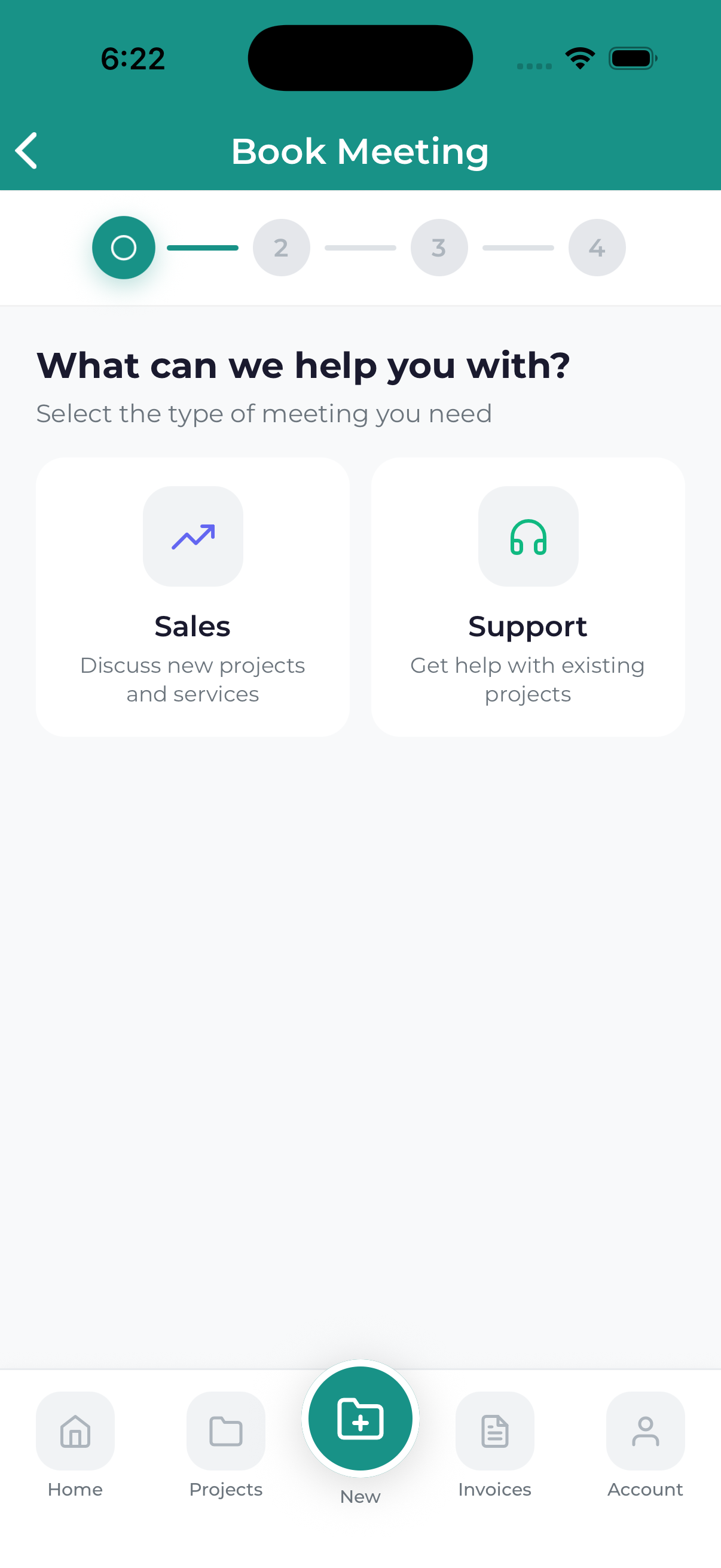
How to Book a Meeting
Navigate to Meetings and tap Book Meeting or + New Meeting.
Choose the type of meeting you need:
- Free Consultation – Discuss your marketing needs (30 min)
- Project Kickoff – Start a new project (45-60 min)
- Progress Review – Review ongoing work (30 min)
- Strategy Session – Deep dive into strategy (60 min)
- Quick Check-in – Brief update or question (15 min)
Select a date from the calendar. Available dates are highlighted. Unavailable dates (weekends, holidays, fully booked days) are grayed out.
Available time slots for your selected date will appear. Tap the time that works best for you. Times are shown in your local timezone.
Provide information about what you’d like to discuss:
- Meeting Title – Brief description of the purpose
- Notes/Agenda – What you want to cover
- Related Project – If applicable, select the project
Review your meeting details and tap Confirm Booking. You’ll receive a confirmation email with the meeting details and calendar invite.
After Booking
Once your meeting is booked:
- Confirmation email sent to your address
- Calendar invite attached to the email
- Meeting appears in your Meetings list
- Reminder notifications scheduled automatically
Booking Tips
- Book in advance – Popular times fill up quickly
- Provide context – Notes help us prepare for your meeting
- Choose appropriate length – Match meeting type to your needs
- Check your timezone – Ensure times display correctly
If this is your first meeting with us, select “Free Consultation” to discuss your needs and how we can help.
