

Email verification confirms that you own the email address you registered with. This is an essential security measure that protects your account and ensures you can receive important communications about your projects, invoices, and meetings.
Why We Require Email Verification
- Account Security: Prevents unauthorized account creation with your email
- Communication Delivery: Ensures project updates, invoice notices, and meeting reminders reach you
- Password Recovery: Enables the “Forgot Password” feature to work securely
- Full Feature Access: Some portal features are only available to verified accounts
- Identity Confirmation: Verifies you are who you say you are
If you previously verified your email through the Lead Marketing Strategies mobile app, you’re already verified! Your verification applies across all platforms – just log in to the portal.
Verification Steps
After filling out the signup form and clicking “Create Account” or “Sign Up”, we immediately send a verification email to your registered address.
Open your email client or webmail and look for an email from Lead Marketing Strategies. Subject lines include “Verify Your Email”, “Confirm Your Account”, or “Welcome – Email Verification Required”.
The email contains a friendly welcome message and a prominent verification button. You’ll also see a backup text link in case the button doesn’t work in your email client.
Click the verification button or link. This opens a new browser tab/window that processes your verification.
You’ll see a success message confirming your email is now verified. The page may automatically redirect you to the login screen.
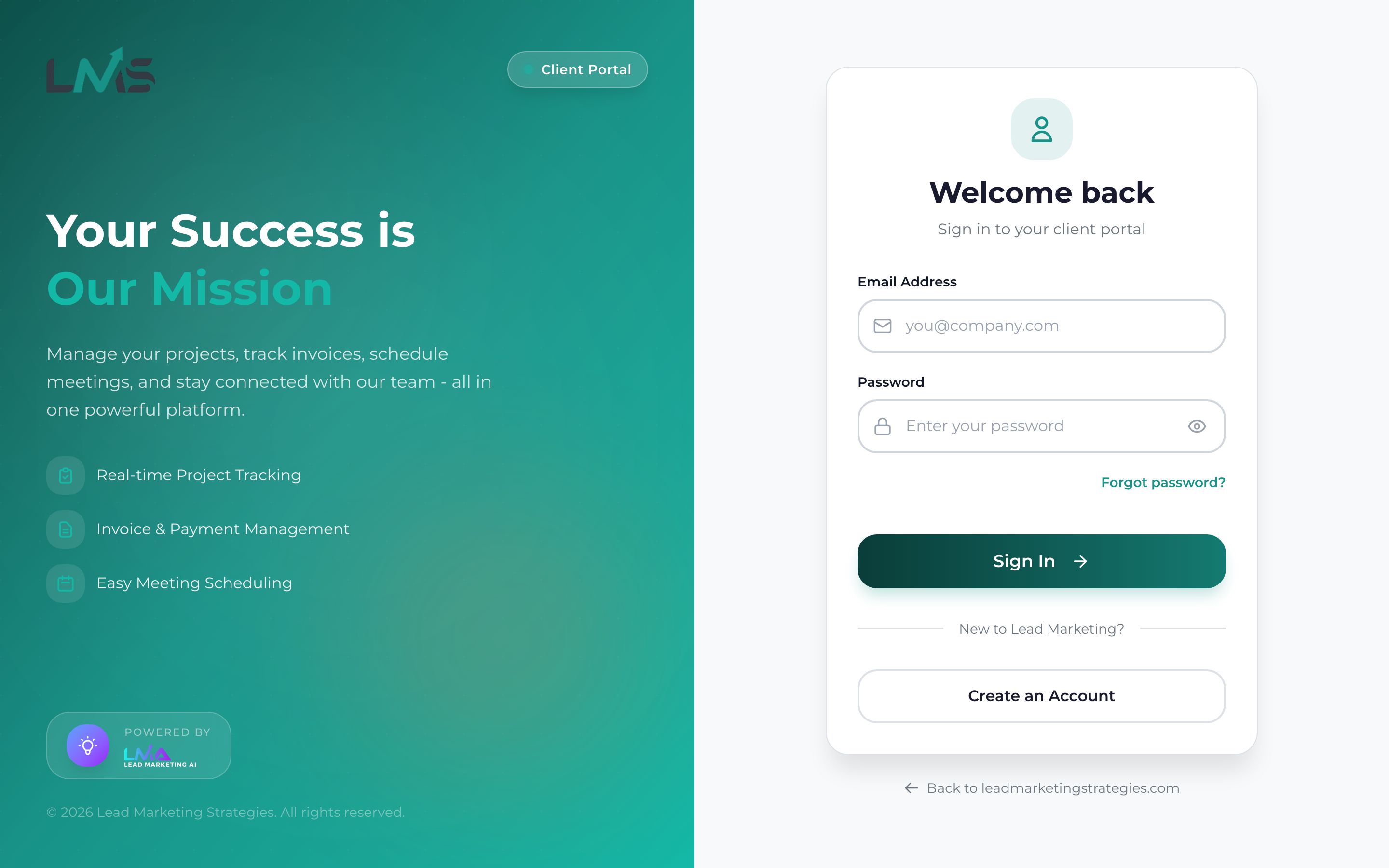
Navigate to app.leadmarketingstrategies.com and sign in with your email and password. Your account is now fully activated!
Identifying the Verification Email
Sender Information
The email will come from one of these addresses:
- noreply@leadmarketingstrategies.com
- hello@leadmarketingstrategies.com
- support@leadmarketingstrategies.com
Email Contents
A legitimate verification email from us includes:
- Our company logo and branding
- Your name (personalized greeting)
- Clear explanation of the purpose
- A single, prominent call-to-action button
- A text link alternative below the button
- Information about link expiration
- Contact details for help
We will never ask for your password in an email. If an email asks you to reply with your password or enter it somewhere other than our official login page, it’s not from us. When in doubt, go directly to app.leadmarketingstrategies.com by typing it in your browser.
Can’t Find the Verification Email?
Check These Folders
| Email Provider | Where to Check |
|---|---|
| Gmail | Spam, Promotions tab, Social tab, Updates tab |
| Outlook/Hotmail | Junk, Other inbox, Focused vs Other |
| Yahoo | Spam, Bulk folder |
| Apple iCloud | Junk, Unknown Senders folder |
| Corporate Email | Quarantine, Junk, ask IT about blocked senders |
Search Your Email
Use your email’s search function to look for:
- “Lead Marketing Strategies”
- “Verify your email”
- “leadmarketingstrategies.com”
- “Account verification”
Wait and Retry
Email delivery can sometimes take 5-15 minutes. If you don’t see it immediately, wait a bit and check again.
How to Resend Verification Email
Need a fresh verification email? Here’s how:
Method 1: From Login Screen
- Go to app.leadmarketingstrategies.com/login
- Enter your email and password
- If your account isn’t verified, you’ll see a message with a “Resend Verification Email” option
- Click it, then check your inbox
Method 2: Contact Support
Email us at support@leadmarketingstrategies.com with:
- Your registered email address
- A request for a new verification email
Before requesting a resend, add noreply@leadmarketingstrategies.com to your email contacts. This helps ensure future emails reach your inbox.
Verification Link Expired?
For security, verification links expire after 24-48 hours. If you see an “expired” or “invalid link” message:
- Don’t worry – Your account registration is saved
- Request a new link – Use the resend methods above
- Act promptly – Click the new link within 24 hours
When you request a new verification email, all previous verification links become invalid. Always use the link from the most recent email you received.
Features Restricted Without Verification
While some basic browsing may work, verified email is required for:
Projects
- Creating new projects
- Viewing project details
- Sending project messages
- Uploading files
Payments
- Viewing invoices
- Making payments
- Downloading receipts
- Payment history
Meetings
- Booking meetings
- Viewing meeting details
- Calendar integration
- Meeting reminders
Account
- Profile updates
- Password changes
- Notification settings
- Security features
Common Issues & Solutions
“This verification link is invalid”
- Cause: Link expired, already used, or corrupted
- Solution: Request a new verification email and use the fresh link
“Email address already verified”
- Cause: You (or a previous session) already completed verification
- Solution: Simply log in – you’re good to go!
Email goes to spam every time
- Cause: Your email provider’s filters are aggressive
- Solution: Mark our emails as “Not Spam” and add us to contacts
Corporate email never receives our emails
- Cause: Company firewall or email security blocking
- Solution: Ask IT to whitelist @leadmarketingstrategies.com, or use a personal email
Clicked the link but still showing unverified
- Cause: Browser didn’t complete the verification request
- Solution: Clear your browser cache, try a different browser, or request a new link
Need Help?
If you’ve tried everything and still can’t verify your email, our support team is here to help:
- Email: support@leadmarketingstrategies.com
- Phone: (631) 489-5088
- Contact Form: leadmarketingstrategies.com/contact
When contacting us, please include:
- The email address you used to register
- Approximate date/time you registered
- Any error messages you’re seeing
- Your email provider (Gmail, Outlook, corporate, etc.)
- Steps you’ve already tried
We typically respond within 24 hours on business days and can often resolve verification issues quickly.
