

The Project Wizard walks you through creating a new project request step by step. This guide explains each section of the wizard so you can provide the information we need to deliver exceptional results.
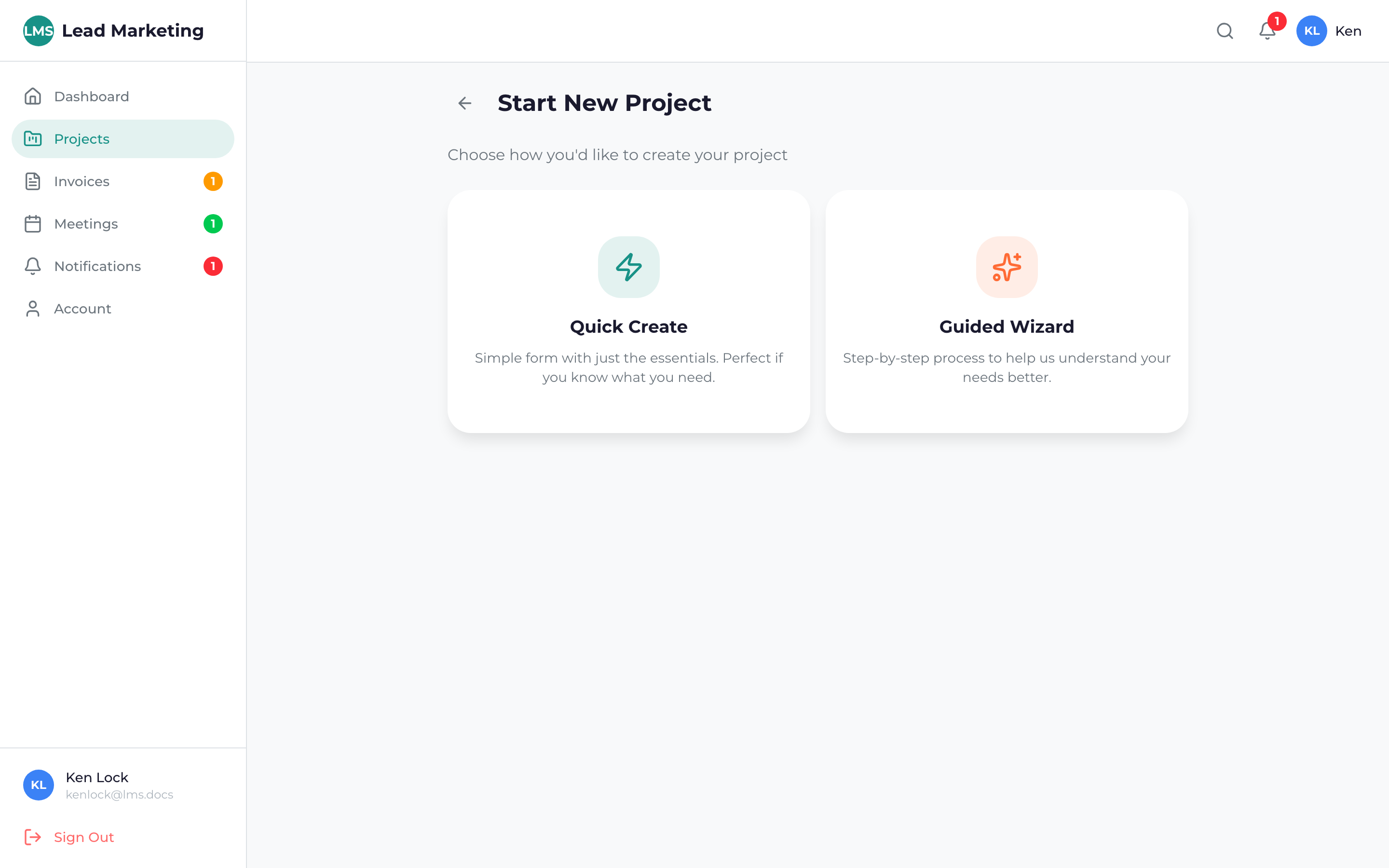
Wizard Overview
The project wizard consists of several steps:
- Service Selection – Choose the type of marketing service
- Project Details – Describe what you need
- Business Information – Tell us about your business
- Budget & Timeline – Set expectations
- Review & Submit – Confirm and send your request
The wizard automatically saves your progress as you go. If you need to leave and come back, your information will be preserved. Look for the “Save as Draft” option to save manually.
Step 1: Service Selection
Choose the primary service you’re interested in:
Available Services
- Website Design & Development – New websites, redesigns, landing pages
- Search Engine Optimization (SEO) – Improve search rankings
- Pay-Per-Click Advertising (PPC) – Google Ads, paid search
- Social Media Marketing – Social strategy and management
- Content Marketing – Blog posts, articles, content strategy
- Branding & Identity – Logos, brand guidelines, visual identity
- Email Marketing – Campaigns, automation, newsletters
- Other/Not Sure – Custom requests or need guidance
Select the service that best matches your needs. Don’t worry if you need multiple services – you can mention that in the details section.
Step 2: Project Details
This is where you describe your project. The more detail you provide, the better we can help:
Project Description
Explain what you’re looking to accomplish. Consider including:
- Your main goals and objectives
- Specific features or functionality needed
- Problems you’re trying to solve
- What success looks like to you
Current Situation
Help us understand where you’re starting from:
- Do you have an existing website?
- Have you done marketing before?
- What’s working well? What isn’t?
Examples & Inspiration
Share links to websites, campaigns, or designs you like. This helps us understand your aesthetic preferences and expectations.
You can attach files like logos, brand guidelines, existing marketing materials, or reference images to help explain your vision.
Step 3: Business Information
Tell us about your business so we can tailor our approach:
Business Details
- Business Name: Your company or organization name
- Industry: The sector you operate in
- Website URL: Your current website (if any)
- Business Type: B2B, B2C, Local, E-commerce, etc.
Target Audience
- Who are your ideal customers?
- Geographic focus (local, regional, national, global)
- Age range, interests, and demographics
Competition
- Who are your main competitors?
- What makes you different?
- Competitor websites you’d like to reference
Step 4: Budget & Timeline
Set realistic expectations for investment and timing:
Budget Range
Select the budget range that fits your situation. Options typically include:
- Under $1,000
- $1,000 – $5,000
- $5,000 – $10,000
- $10,000 – $25,000
- $25,000+
- Not sure / Need guidance
Timeline
When do you need this completed?
- ASAP / Urgent
- Within 1 month
- 1-3 months
- 3-6 months
- Flexible / No rush
Being upfront about your budget helps us recommend solutions that fit. We offer options at various price points – there’s no “wrong” budget, just different approaches.
Step 5: Review & Submit
Before submitting, review all your information:
Check that all information is accurate and complete. Use the “Edit” links to make any changes.
Verify your preferred contact method and best times to reach you.
Click “Submit” or “Request Consultation” to send your project request to our team.
After Submission
What happens after you submit:
- Confirmation email – You’ll receive immediate confirmation
- Team review – We review your request (1 business day)
- Consultation scheduling – We’ll reach out to book a call
- Discovery call – We discuss your project in detail
- Proposal – You receive a detailed quote and timeline
Need Help?
Questions about the project wizard? We’re here to help:
- Email: support@leadmarketingstrategies.com
- Phone: (631) 489-5088
- Contact Form: Contact Us
