

The Meetings section of your Client Portal helps you schedule, manage, and join meetings with the Lead Marketing Strategies team. Book consultations, project check-ins, strategy sessions, and more – all in one place.
Accessing Your Meetings
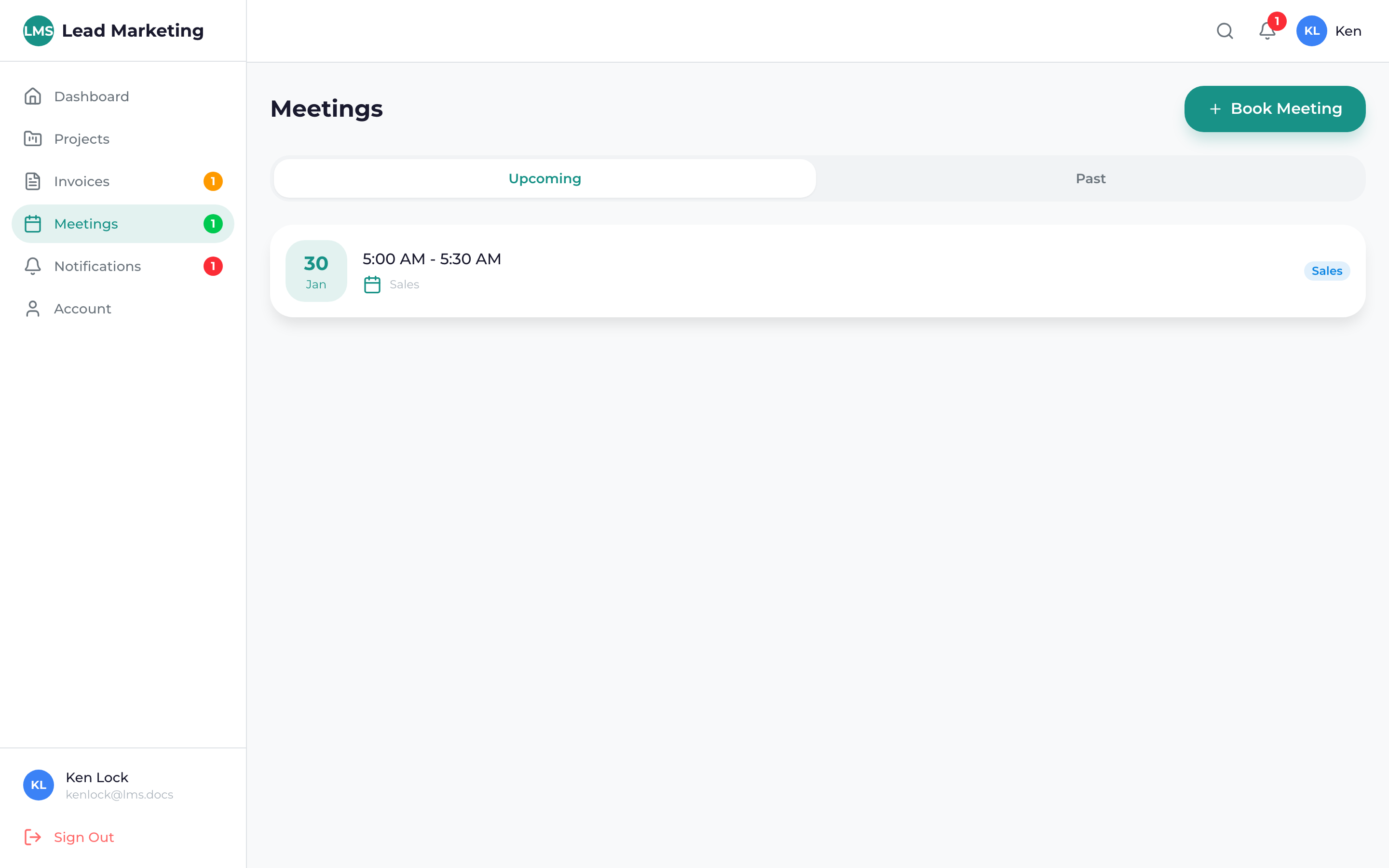
Click “Meetings” in the sidebar navigation menu.
You’ll see a list of all upcoming meetings and past meetings.
Meetings Dashboard
The meetings page shows:
Upcoming Meetings
- All scheduled meetings, sorted by date
- Meeting title and type
- Date and time
- Join button for video meetings
- Quick actions (reschedule, cancel)
Past Meetings
- Previously held meetings
- Meeting notes and recordings (if available)
- Follow-up items
Meeting Information
Each meeting listing displays:
- Title: Purpose of the meeting
- Type: Video call, phone call, or in-person
- Date & Time: Scheduled date and time (in your timezone)
- Duration: Expected meeting length
- Attendees: Who will be on the call
- Status: Confirmed, pending, or completed
Meeting Types
Video Calls
Most meetings are conducted via video call:
- Click “Join” when it’s time for the meeting
- Opens in Google Meet, Zoom, or similar platform
- Camera and microphone required
Phone Calls
Some meetings are phone calls:
- Phone number provided in meeting details
- We’ll call you at the scheduled time, or you call us
In-Person Meetings
Occasionally, we meet in person:
- Location address provided
- Directions and parking info included
Test your camera and microphone before important meetings. Join a few minutes early to ensure your technology is working.
Quick Actions
From the meetings list, you can:
- Join: Join video meetings when it’s time
- View Details: See complete meeting information
- Reschedule: Change the meeting date/time
- Cancel: Cancel a meeting you can’t attend
- Add to Calendar: Add to your calendar app
Meeting Notifications
You’ll receive notifications for:
- Meeting Scheduled: When a new meeting is booked
- Reminder: 24 hours and 1 hour before the meeting
- Changes: If the meeting is rescheduled or cancelled
- Follow-up: Post-meeting notes and action items
Scheduling a New Meeting
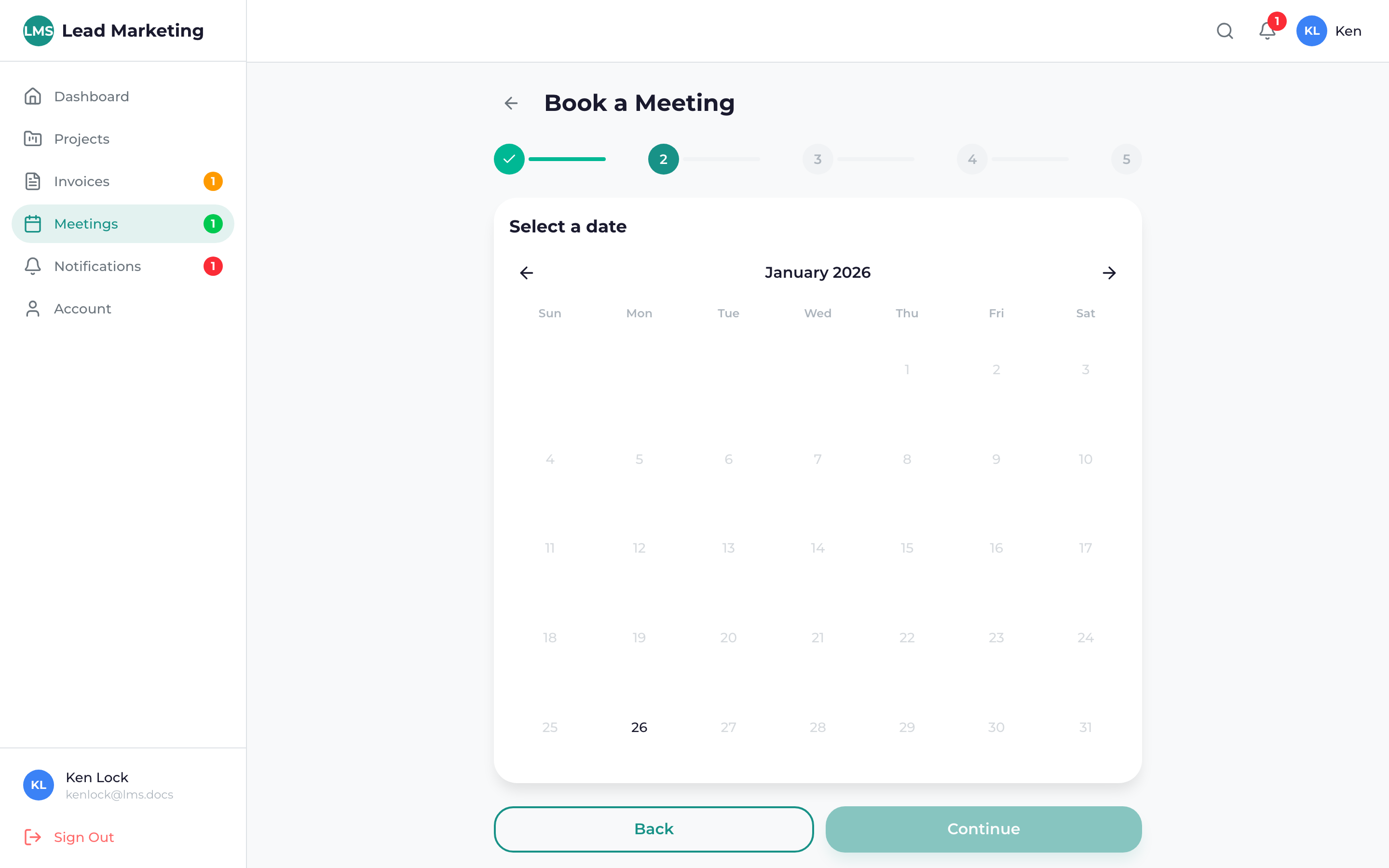
Ready to book time with our team? Click “Schedule Meeting” or “Book Meeting” to see available times.
See our Booking a Meeting guide for detailed instructions.
Calendar View
Prefer a calendar view? Toggle to the calendar view to see your meetings displayed on a monthly calendar.
See our Calendar Integration guide for details.
Meeting Best Practices
- Prepare questions or topics in advance
- Have relevant project documents accessible
- Join video calls from a quiet location
- Test your audio/video before important meetings
- Be on time – even a few minutes late impacts the agenda
Need Help?
Questions about meetings?
- Email: support@leadmarketingstrategies.com
- Phone: (631) 489-5088
- Contact Form: Contact Us
