

Logging into the Client Portal gives you access to your projects, invoices, meetings, and all communication with the Lead Marketing Strategies team. Here’s how to sign in securely.
How to Log In
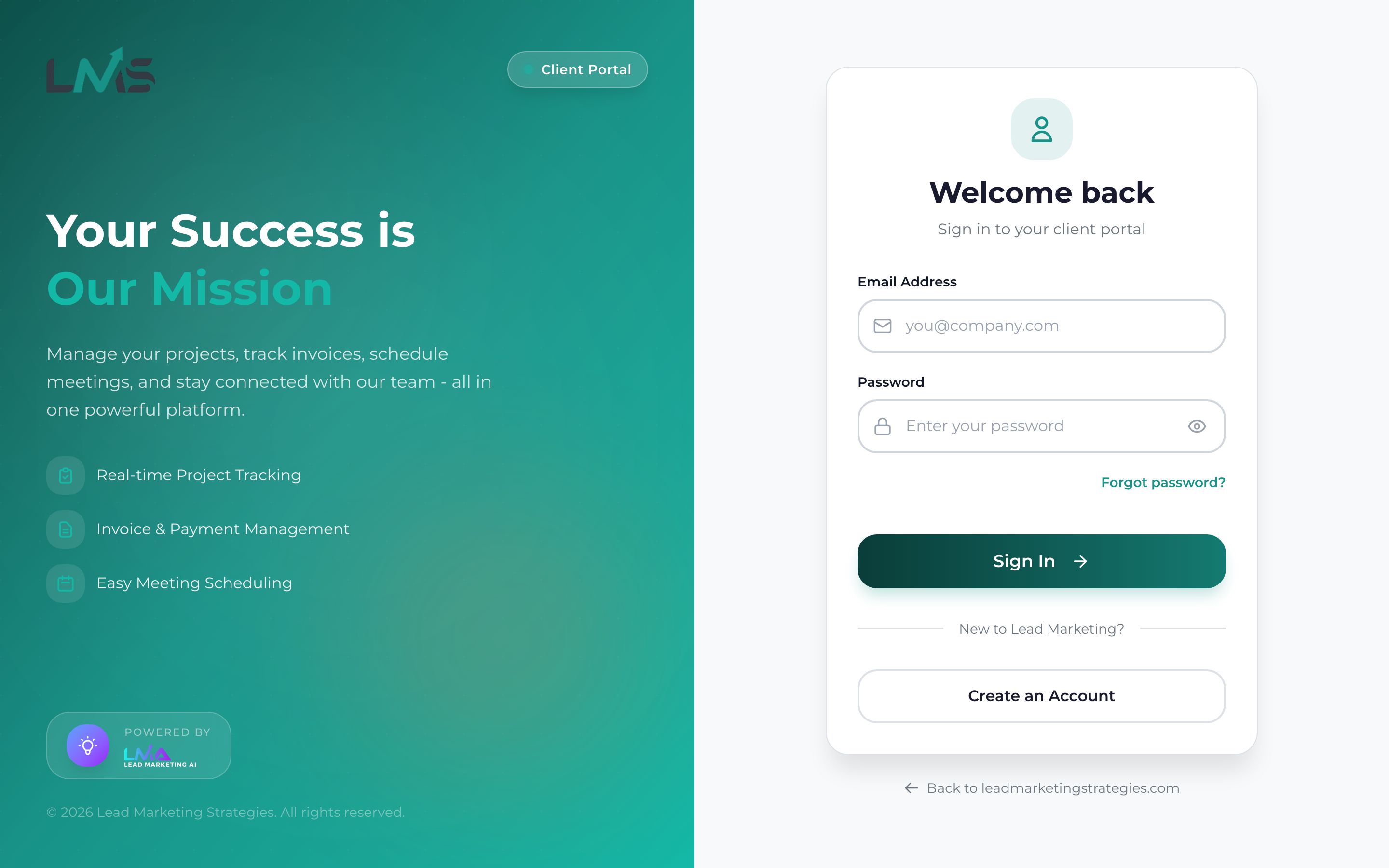
Open your web browser and go to app.leadmarketingstrategies.com. You’ll see the login page.
Type the email address you used when creating your account in the Email field.
Type your password in the Password field. Click the eye icon to show/hide your password if needed.
Click the “Sign In” or “Log In” button to access your account. You’ll be taken to your dashboard.
Stay Signed In
Check the “Remember Me” box on the login page to stay signed in on your device. This is convenient for personal devices but should not be used on shared or public computers.
Never use “Remember Me” on public or shared computers. Always log out when finished and close the browser window.
Troubleshooting Login Issues
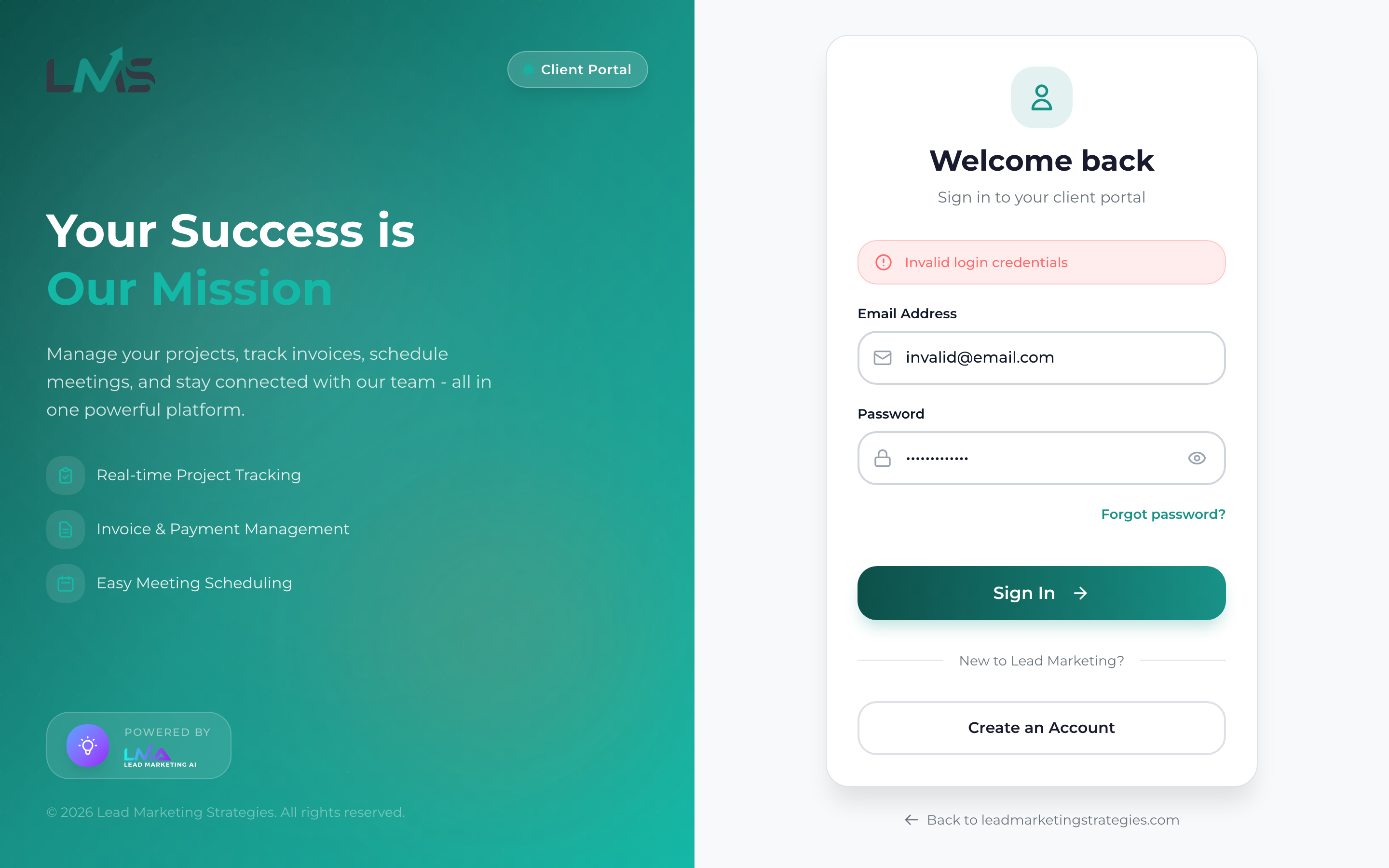
Invalid Email or Password
If you see this error:
- Double-check your email address for typos
- Ensure Caps Lock is not on
- Try retyping your password carefully
- Use “Forgot Password” to reset if needed
Account Not Found
This means no account exists with that email. Either:
- Try a different email address you may have used
- Create a new account if you haven’t registered
Account Not Verified
You need to verify your email before logging in:
- Check your email for the verification link
- Click “Resend Verification” if you need a new link
- Check spam/junk folders for the verification email
Account Locked
Too many failed login attempts will temporarily lock your account. Wait 15-30 minutes and try again, or contact support for immediate assistance.
Forgot Your Password?
If you can’t remember your password:
- Click the “Forgot Password?” link on the login page
- Enter your registered email address
- Check your email for a password reset link
- Click the link and create a new password
- Log in with your new password
Use a password manager to securely store your login credentials. This helps you maintain strong, unique passwords without having to memorize them.
Logging Out
When you’re finished using the portal:
- Click your profile picture or name in the top right corner
- Select “Log Out” or “Sign Out” from the menu
- You’ll be returned to the login page
Always log out when:
- Using a shared or public computer
- Stepping away from your device
- You’ve finished your work session
Login Security Best Practices
- Use a strong, unique password – Don’t reuse passwords from other sites
- Keep your email secure – Your email is your account recovery method
- Watch for phishing – Always check the URL is app.leadmarketingstrategies.com
- Log out on shared devices – Never stay signed in on public computers
- Update your browser – Use the latest browser version for security
Need Help?
If you’re still having trouble logging in:
- Email: support@leadmarketingstrategies.com
- Phone: (631) 489-5088
- Contact Form: Contact Us
