

Forgot your Client Portal password? No problem – resetting your password is quick and easy. Follow these steps to regain access to your account.
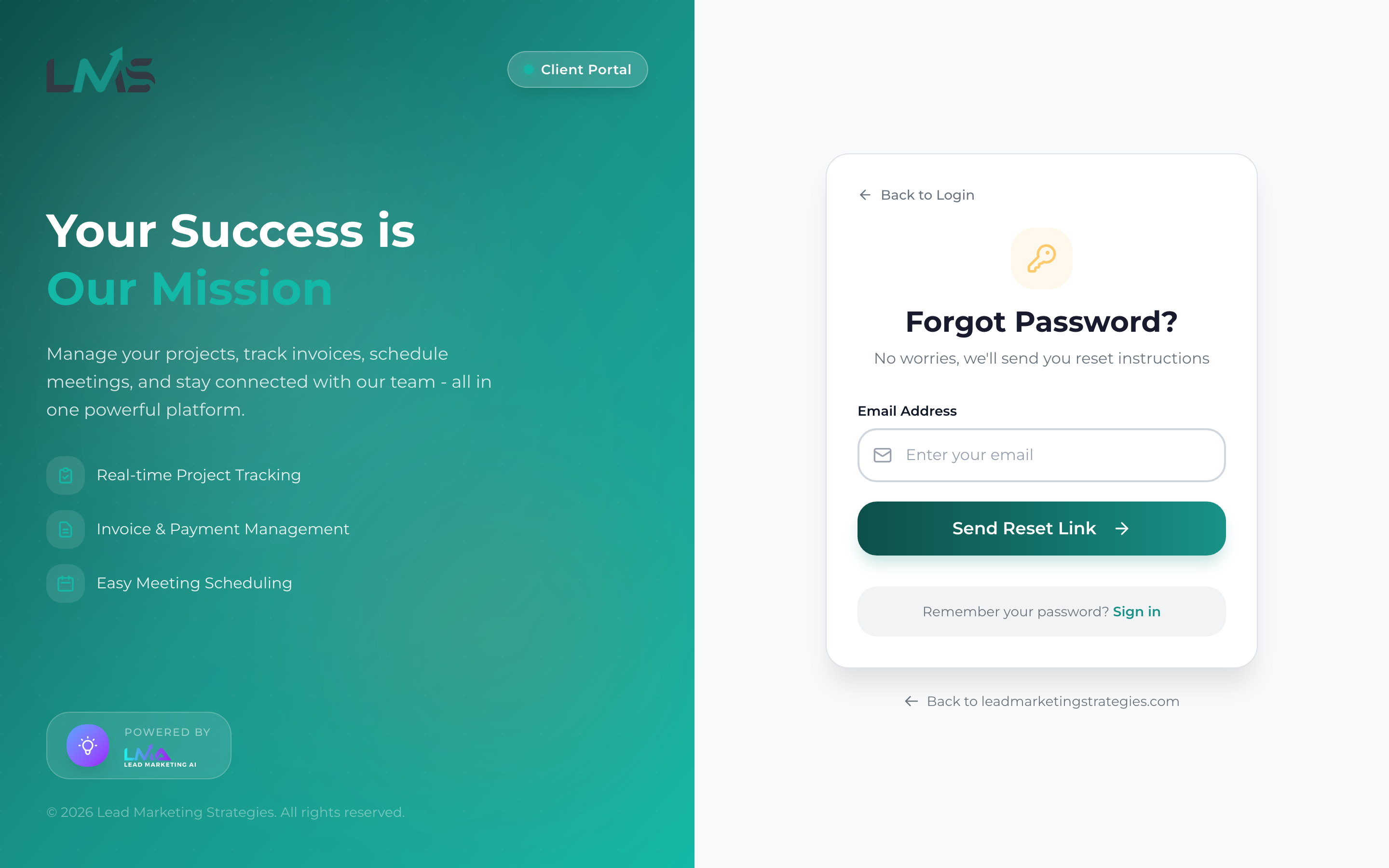
How to Reset Your Password
Navigate to app.leadmarketingstrategies.com and you will see the login form.
Click the “Forgot Password?” or “Reset Password” link below the login form.
Type the email address associated with your account and click “Send Reset Link” or “Submit”.
Look for an email from Lead Marketing Strategies with the subject “Reset Your Password” or similar.
Click the link in the email. It will take you to a page where you can create a new password.
Enter your new password twice to confirm it. Make sure it meets the password requirements.
After your password is reset, go back to the login page and sign in with your new password.
Password Requirements
Your new password must:
- Be at least 8 characters long
- Include at least one uppercase letter (A-Z)
- Include at least one lowercase letter (a-z)
- Include at least one number (0-9)
Create a memorable passphrase like “MyProject2024!” or use a password manager to generate and store secure passwords.
Did Not Receive the Reset Email?
Check Spam/Junk Folder
Reset emails sometimes get filtered. Look in your spam or junk folder.
Check Other Folders
- Gmail: Check Promotions or Updates tabs
- Outlook: Check Other or Focused inbox
Wait a Few Minutes
Email delivery can sometimes take 5-10 minutes. Be patient and check again.
Verify Email Address
Make sure you entered the correct email address – the one you used to create your account.
Request Again
If you still do not see it after 10 minutes, go back and request another reset email.
Reset Link Expired?
Password reset links expire after 24 hours for security. If your link has expired:
- Return to the login page
- Click “Forgot Password?” again
- Request a new reset link
- Use the new link within 24 hours
Each new reset link invalidates previous ones. Always use the most recent email you received.
Still Having Issues?
If you cannot reset your password:
- Email: support@leadmarketingstrategies.com
- Phone: (631) 489-5088
- Contact Form: Contact Us
Please include the email address associated with your account so we can help you.
